What Is ERP for SMEs? Modules, Benefits, and Selection Criteria
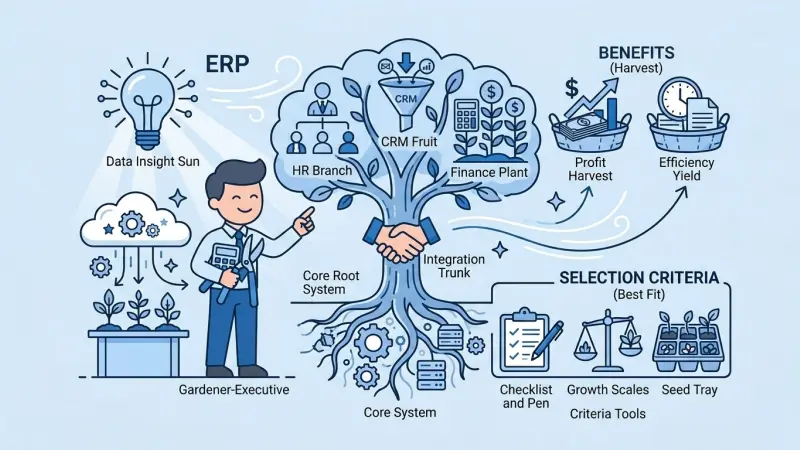
Quick answer: For SMEs, ERP is business software that runs purchasing, inventory, sales, finance, and people processes on one validated data backbone—so the same product and customer records stay consistent everywhere, not scattered across spreadsheets.
This article answers “what is ERP?” with SME constraints in mind: small teams, fast growth, and limited IT time. Ideal readers: owners, operations leads, and finance managers.
The core problem ERP solves
Early on, orders live in a CRM tab, stock in a spreadsheet, and invoices in accounting. As you scale, three issues compound:
- Master data drift: One SKU ends up under multiple names; reporting splits.
- Latency: Sales sees stock and open orders too late to protect margin.
- Weak audit trails: Pricing and costing decisions become hard to reconstruct.
Typical ERP modules
- Product & inventory: UoM, variants, warehouse balances, stock movements.
- Procurement: Supplier POs, lead times, receipt matching.
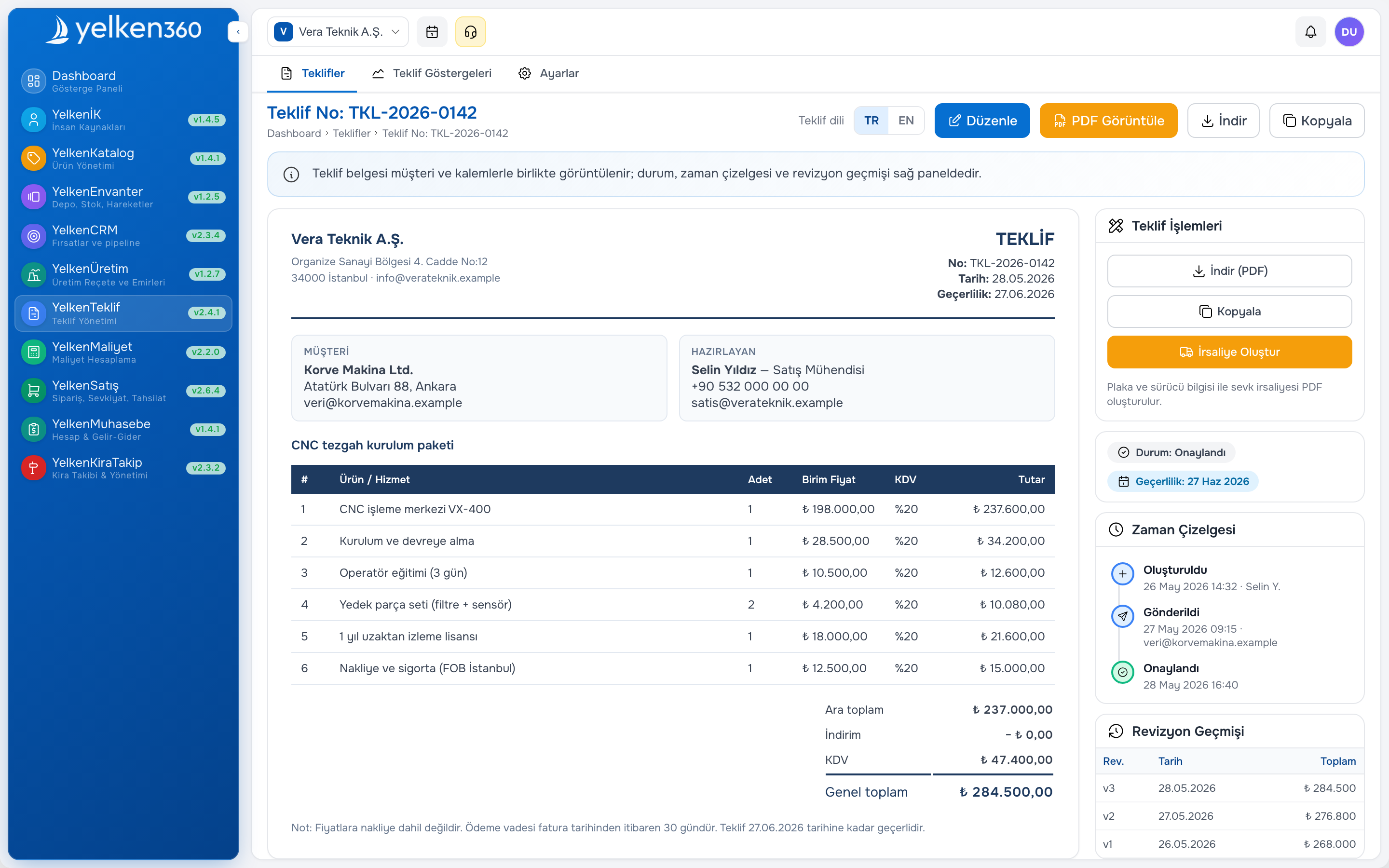
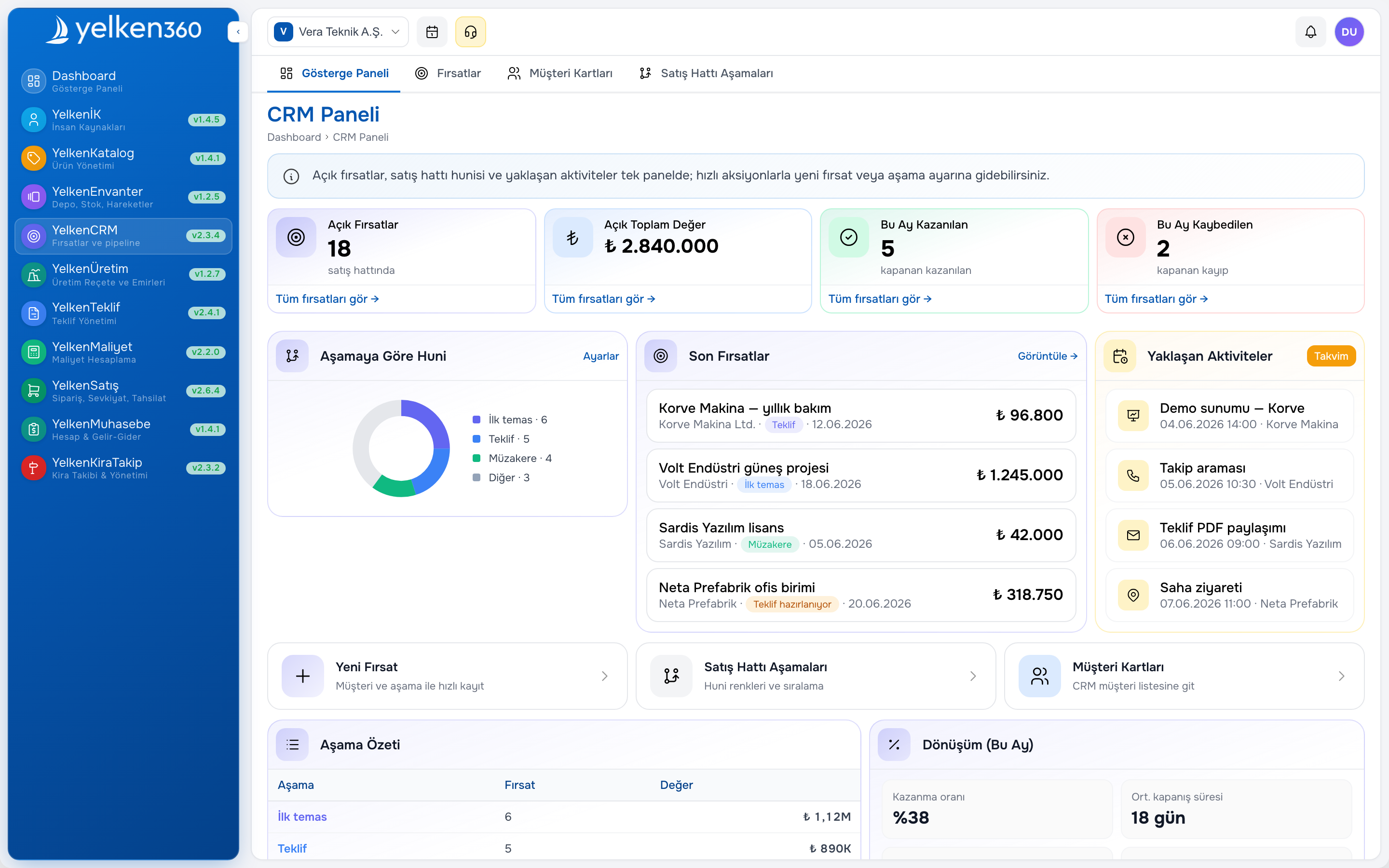
- Sales & CRM: Accounts, quotes, orders, pipeline stages.
- Billing & finance: Invoice lines tied to stock and ledger handoffs.
- Analytics: Gross margin, inventory turns, aging, rep performance.
Why modular rollouts matter
You rarely need every module on day one. A modular ERP lets you stand up product/inventory first and add CRM or billing in phase two—reducing change fatigue and speeding time-to-value.
Eight buyer questions
- Multi-warehouse and multi-branch scenarios?
- Role-based access with workspace isolation?
- Traceable, reversible stock movements?
- Smooth quote-to-invoice data flow?
- APIs or exports for integrations?
- Solid mobile/remote UX?
- Clear ownership of backups, patches, and security?
- Transparent subscription limits (users, entities)?
How Yelken360 fits
Yelken360 is a multi-tenant SaaS ERP pattern: subscriptions and module access are workspace-scoped, so the same user can work across business areas with different permissions while limits apply per workspace—useful as you add branches or brands without fragmenting tools.
Takeaway: ERP is less about installing one app and more about committing to data discipline. Ask the right questions and your migration path from spreadsheets becomes obvious.