Cloud ERP for SMEs: Scalability vs On-Premise

Cloud ERP SME buyers usually ask one question first: will we outgrow a browser-based system, or is on-premise still safer for “serious” data? For most growing B2B teams, scalability is less about raw server size and more about how fast you can add users, branches, modules, and audit discipline without another infrastructure project.
Short answer: Cloud ERP for SMEs delivers elastic access, vendor-managed uptime and backups, and subscription-based module growth—so you scale users and functional packages per workspace while on-premise ERP shifts scaling cost to hardware, patches, and internal IT capacity.
What scalability means in practice
Scalability is not only “handle more transactions.” It includes adding a second warehouse without reinstalling servers, enabling proposal and inventory modules when SKU count rises, and giving a new branch manager secure access on day one without VPN friction.
On-premise ERP can scale vertically with bigger servers and IT staff. Cloud ERP scales operationally: permissions, workspaces, and module toggles. Compare both on the dimensions you will actually hit in the next three years.
Cloud vs on-premise ERP (SME view)
- User growth: Cloud—add seats in subscription; on-prem—license packs and sometimes client installs
- Branch expansion: Cloud—new workspace or warehouse config; on-prem—network, backup, and DR planning
- Module expansion: Cloud—activate packages (CRM, stock, production); on-prem—upgrade projects and consultants
- Maintenance: Cloud—vendor patches; on-prem—your team or partner SLAs
- Remote work: Cloud—browser access by default; on-prem—VPN and security hardening
- Initial cash: Cloud—lower capex; on-prem—higher upfront license and hardware
When cloud ERP wins for SMEs
Cloud fits traders and manufacturers who want phased go-live: catalog and quotes first, inventory next, production later. It fits distributed sales teams reviewing pipeline and sending proposals without RDP sessions. It fits owners who want subscription predictability instead of surprise server replacements.
If you compare against spreadsheet-led operations, see how proposal software and inventory software in a single cloud database remove version conflicts—without buying a full factory suite on day one.
When to pause and validate cloud assumptions
- Strict data residency rules that forbid specific regions
- Shop-floor latency requirements for real-time machine integration (milliseconds matter)
- Legacy equipment that only speaks to a local database on the plant LAN
- Contracts requiring air-gapped environments
Many SMEs in the last case still run cloud ERP for commercial and stock while keeping a thin edge integration locally—design hybrid deliberately, not by accident.
Security and trust without your own server room
Security questions are valid: encryption in transit, role-based access, audit logs, and backup retention. Ask vendors for clear answers on data location, restore drills, and permission models. Workspace-scoped ERP should prevent branch A users from seeing branch B stock or quotes even when one company account owns both.
On-premise can feel safer because the database sits in your building—but unpatched servers and weak backups are a common SME risk. Cloud shifts patch discipline to the vendor; you still own password policy, role design, and offboarding users promptly.
Cost model over three years
Compare subscription (users, modules, storage limits) plus implementation against license, hardware, power, backup media, and part-time admin. Cloud often wins on capex and disaster recovery; on-prem can win on very stable user counts and existing IT labor you already pay for.
Hidden cloud costs: data migration, training, and integration to e-commerce or logistics. Hidden on-prem costs: downtime during upgrades and failed DR tests. Build a simple spreadsheet scenario—do not rely on vendor slogans alone.
Scaling modules without big-bang projects
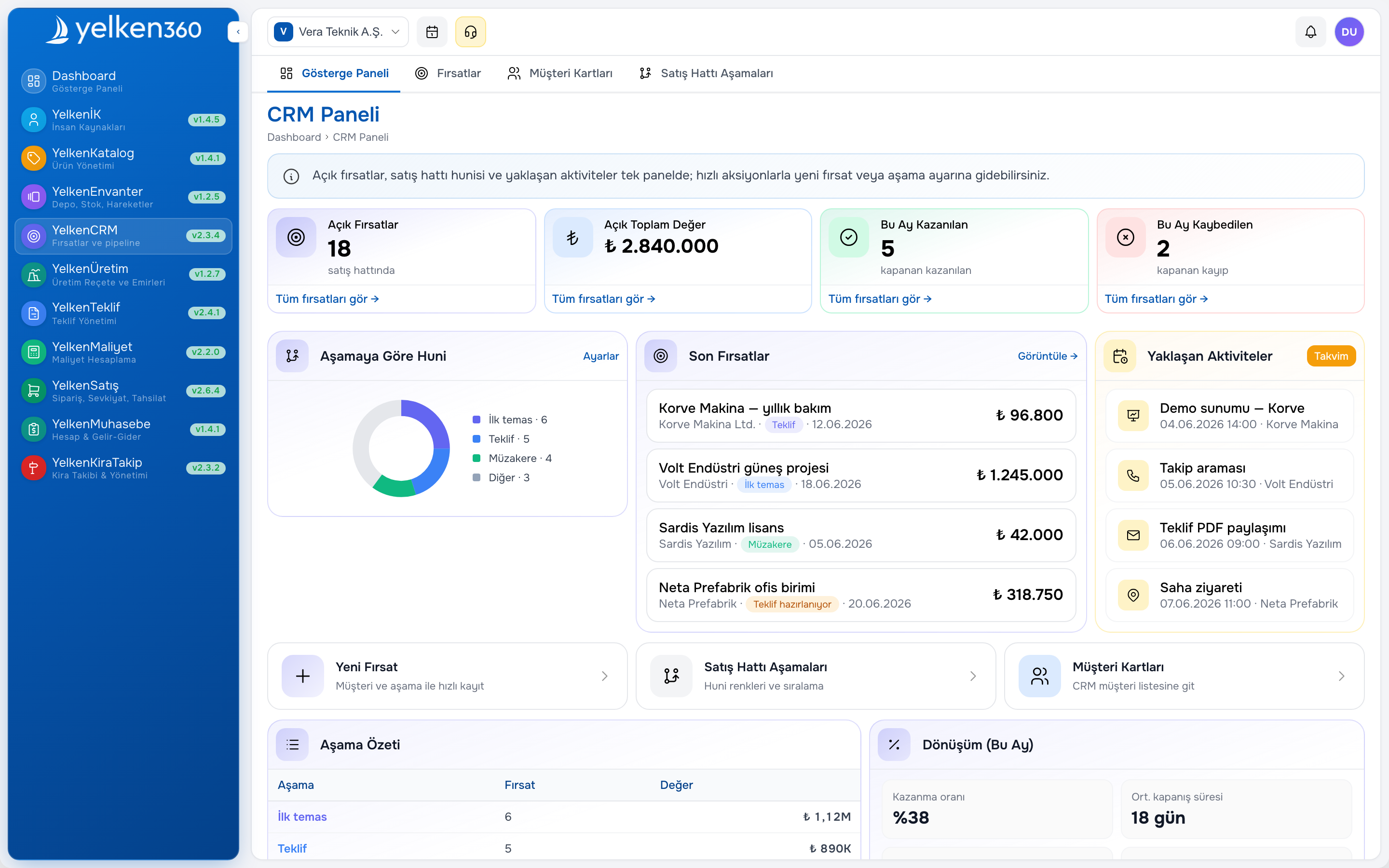
Modular cloud ERP lets you enable CRM when pipeline discipline matters, add sales order management when fulfillment errors hurt, and add manufacturing and BOM when recipes drive purchasing. Each phase should have a success metric—quote cycle time, ATP accuracy, production order on-time rate.
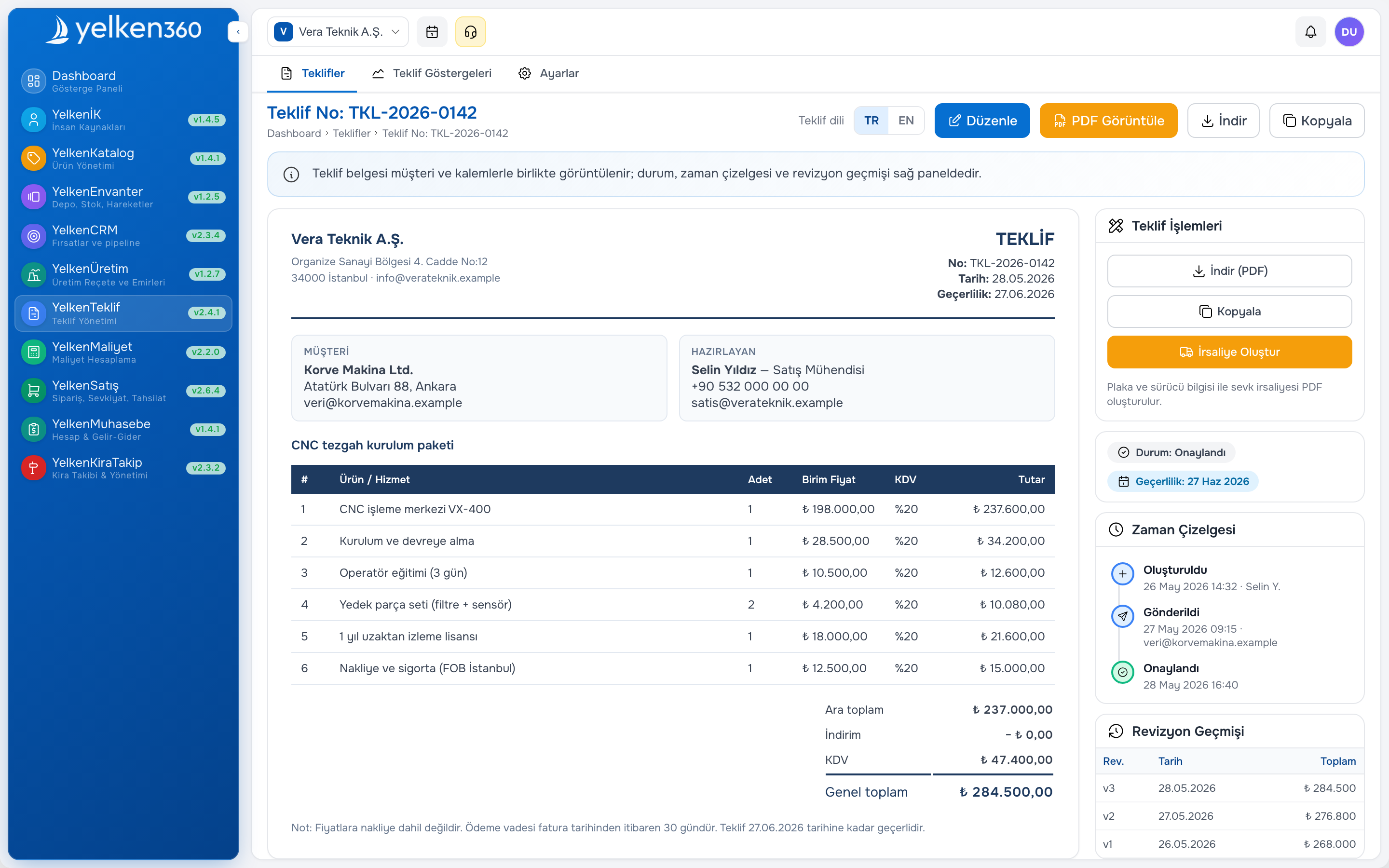
Yelken360 ties features to workspace subscriptions: plans are templates; after subscribe, subscription modules and limits are authoritative. That helps when one subsidiary needs only stock and sales while another adds production.
Performance and adoption at scale
More users fail ERP because of slow screens and unclear workflows—not because the database cannot index rows. Prioritize vendors with responsive list UIs, mobile-friendly customer quote pages, and training paths for occasional users (warehouse scanners, outside sales).
Define performance acceptance in demos: open a 500-line product search, create a ten-line quote, post a transfer between two warehouses. Latency on daily tasks beats benchmark scores on reports you run monthly.
Migration from on-premise or spreadsheets
Moving to cloud ERP is a process change. Export master data with consistent SKU and unit codes; map customers once; freeze parallel stock files after cutover. Run pilot workspace with one branch before group rollout. Keep read-only archives of legacy exports for audit—do not let “temporary” sheets live another year.
Pair migration with accounting software visibility when cash control is the owner’s top fear—leadership buys in faster when liquidity dashboards improve in week three.
Common cloud ERP mistakes
- Treating subscription as set-and-forget without role reviews each quarter
- Enabling every module in demo excitement, then abandoning half
- Ignoring API or export needs until finance demands year-end formats
- Assuming internet outage means zero work—define offline procedures for warehouse if needed
- Skipping limit planning (users, products, proposals) until growth hits caps
Where Yelken360 fits
Yelken360 is cloud ERP built for modular growth: explore modules, compare pricing tiers and limits, and start with the packages your workspace needs today. Contact the team for a scalability review—users, branches, and which packages to phase next.
Frequently asked questions
Is cloud ERP always cheaper than on-premise?
Not always. Cloud reduces upfront hardware and often improves backup posture. Long-run cost depends on user growth, module count, and whether you already employ full-time infrastructure staff.
Can cloud ERP handle manufacturing SMEs?
Yes, when production orders, BOM explosions, and stock issues are in the same platform. Heavy machine PLC integration may need edge middleware regardless of cloud vs on-prem.
What if our internet fails?
Sales and leadership may work from mobile hotspots; warehouse should have a written contingency (delay shipments, paper pick lists with later posting) if downtime is frequent in your region.
How do we test vendor scalability claims?
Pilot with real SKU count, real users, and peak-day transaction volume. Ask reference customers near your size in the same industry.
Can we move back to on-premise later?
Possible but expensive. Treat cloud choice as a three-to-five-year strategy; export data regularly and document integrations to avoid lock-in fear paralyzing the decision.