Inventory Warehouse Software: SME Stock Tracking Guide
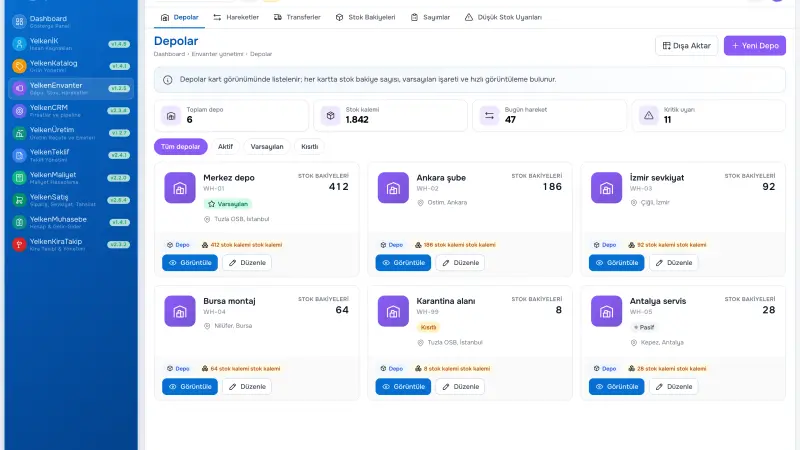
When sales says «in stock» but the warehouse count differs, trust erodes. Excel lists and phone checks show raw material shortages late in manufacturing SMEs. This guide covers the inventory management module, inventory tracking discipline, and stock and inventory management expectations with production ERP.
Short answer: The inventory management module records receipts, issues, transfers, and counts by SKU. Linked to sales and production modules, available-to-promise becomes reliable; count variances produce traceable movements.
What the inventory module does
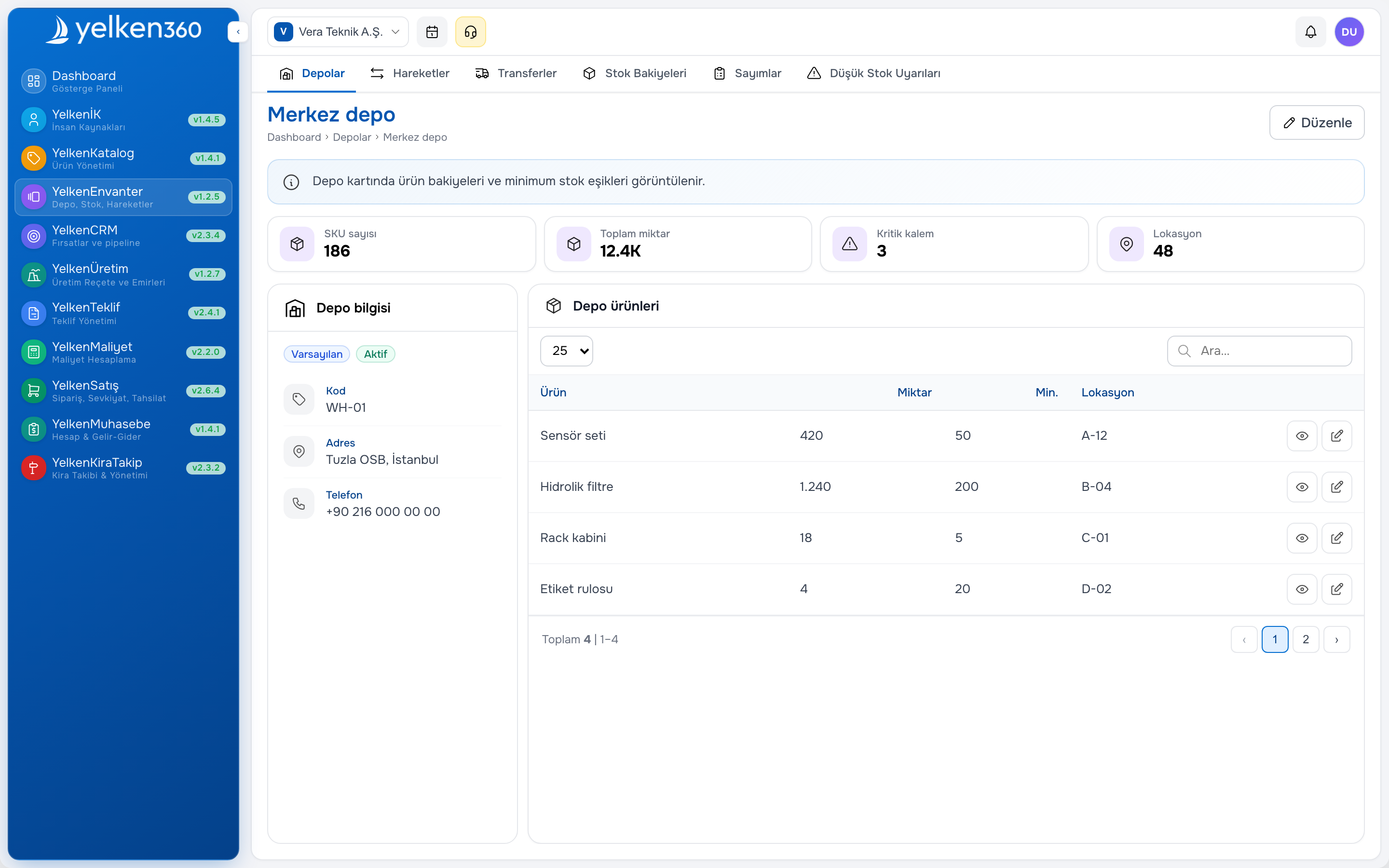
Inventory tracking software holds quantity, warehouse, and movement history per product. Core functions: goods receipt, shipment, inter-warehouse transfer, scrap, production consumption, and finished goods receipt. Advanced: lot, serial, expiry, min–max alerts.
The inventory and warehouse software solution page summarizes SME scenarios. The Inventory module in Yelken360 runs in the same workspace as product, proposal, and production.
Available versus physical stock
Physical quantity is on the shelf; available quantity deducts reserved orders and quality hold. Without that split, sales over-promise. Example scenario: Twenty units show; twelve reserved elsewhere; sales can quote eight.
Inventory tracking processes
Inventory tracking needs daily movement discipline. Every in/out ties to a document: purchase receipt, shipment, transfer, count adjustment. A «bulk fix column» in Excel loses rows and audit trail.
Cycle count (ABC): A group often, C group rarely. Full count once or twice yearly. Freeze policy during count must be clear or variances inflate.
Multi-warehouse inventory management
Central and branch warehouse models keep separate balances per warehouse. Transfer document pairs issue and receipt. Reporting: turnover by warehouse, dead stock, below-minimum list. Stock inventory management should show consolidated and warehouse breakdown on one screen.
Sales and proposal alignment
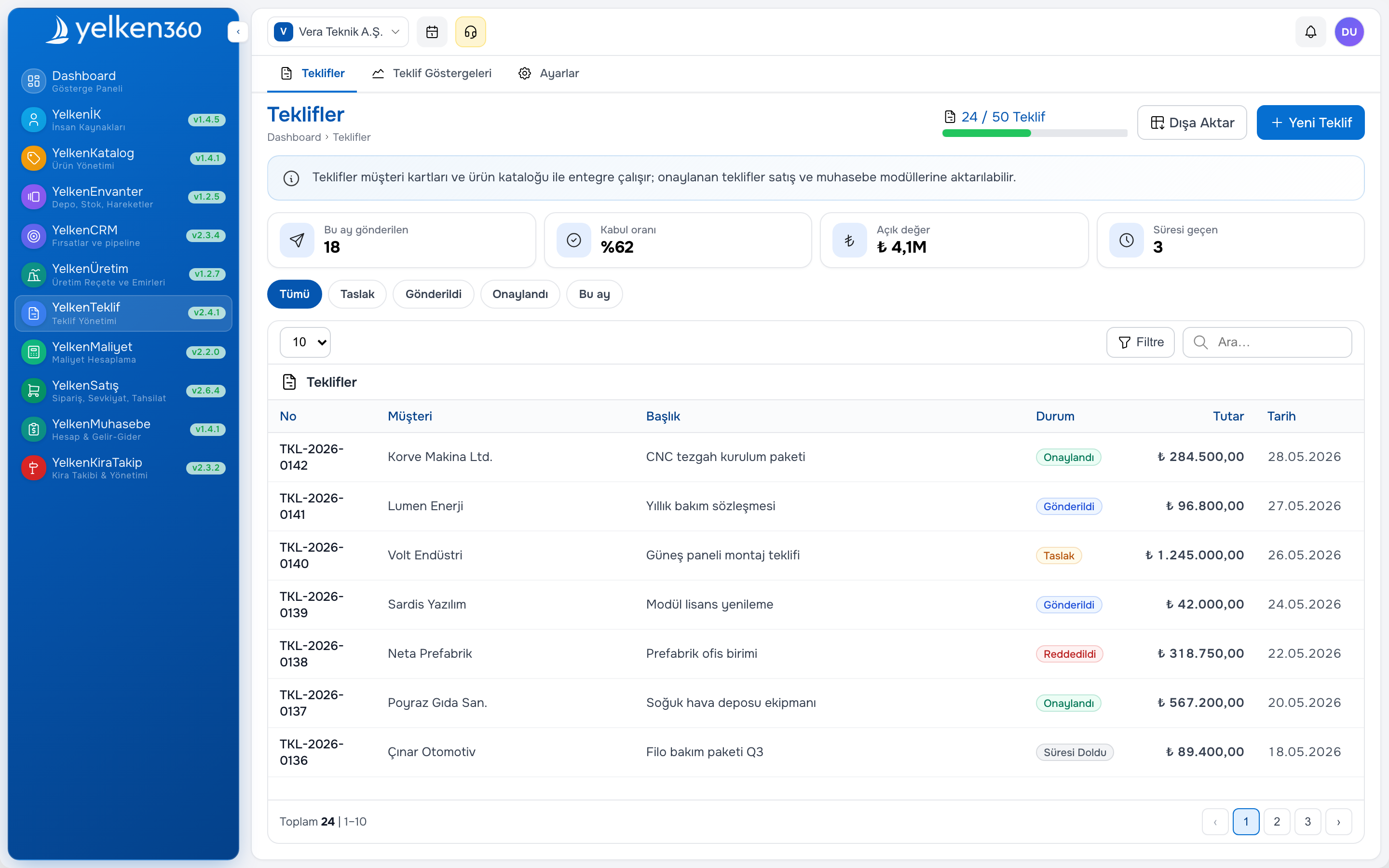
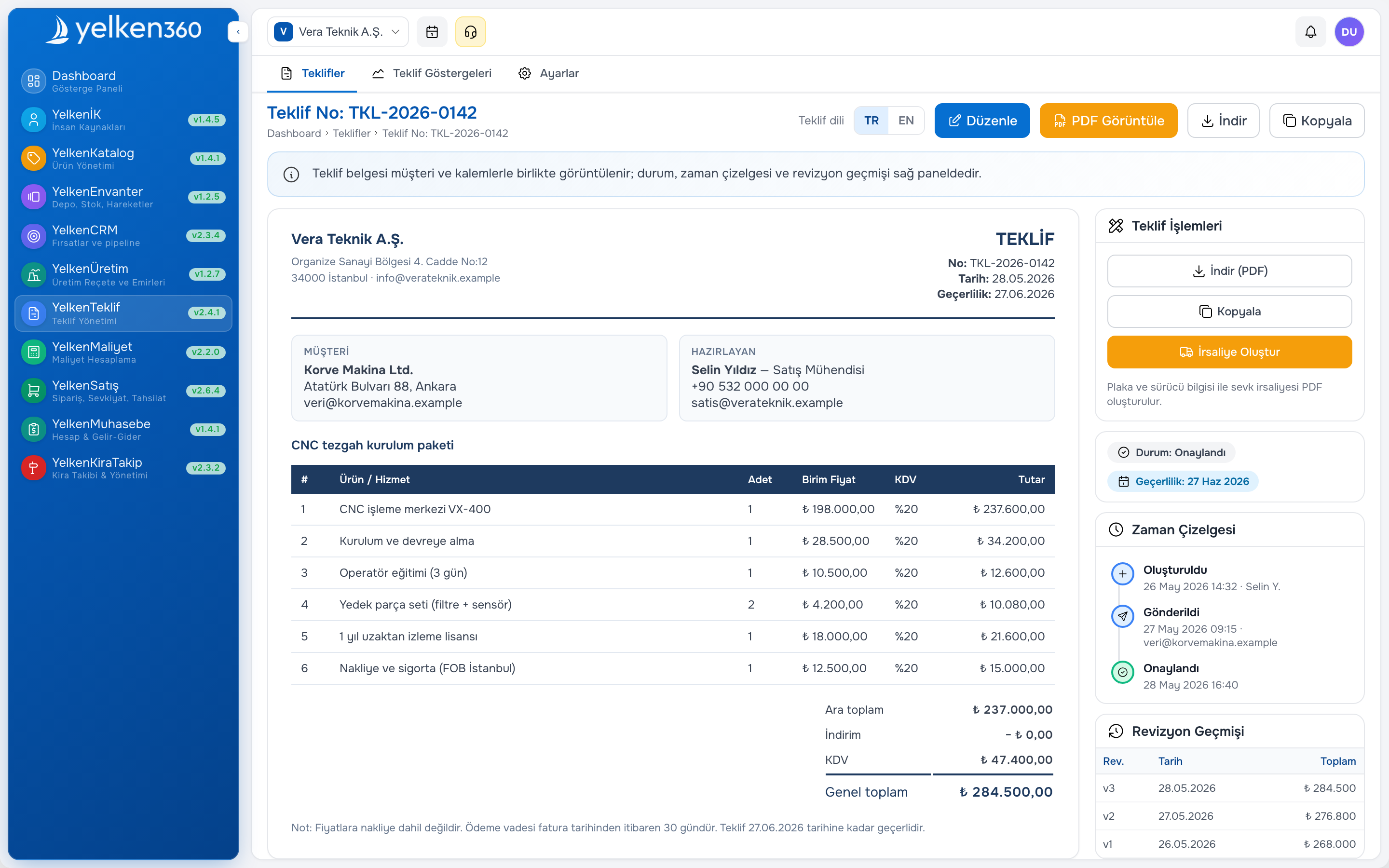
Proposal software should show current quantity when adding lines. Order confirmation reserves; shipment posts issue. Partial shipment posts partial issue; remaining reservation stays.
Gap between sales order management software and inventory causes shipment delay and complaints. CRM module notes customer promise; warehouse validates on ERP screen.
Manufacturing SME production inventory ERP
Production inventory ERP tracks raw material, WIP, and finished goods in one ledger. When production order completes, consumption and finished receipt post movements. Production module and manufacturing and BOM software tie consumption to recipe.
Example scenario: Plan one hundred finished units; raw material short; system warns at order open; purchase request forms. Excel «production started» without stock issue doubles variance at count.
See manufacturing sector for production–inventory reading.
Excel versus inventory module
| Area | Excel | Inventory module (ERP) |
|---|---|---|
| Multi-warehouse | Separate sheet risk | Warehouse balance |
| Reservation | Manual column | Order link |
| Production consumption | Late manual deduct | Movement on order close |
| Count variance | After pivot | Movement + user |
| Proposal link | Lookup | Live query |
Barcode and location
Aisle–rack–level bin location improves pick routes. Scanners cut error rate; small warehouses may use keyboard entry. Label standard (SKU, lot) speeds count.
Designing warehouses for clarity
Even one physical site benefits from zones: receiving, bulk, pick face, quarantine, returns. Multi-branch assigns warehouse per branch plus optional hub. Decide if sales sees group ATP or local only—policy matters as much as configuration.
Align SKU, barcode, and unit in product catalog software before scanning. Mixed units (each vs box) cause silent quantity errors.
Stock tracking rhythms
Daily: post receipts and shipments same day. Weekly: review negatives and open transfers. Monthly: cycle-count fast movers. After promotions: reconcile high-volume picks.
Warehouse should not pick without order documents. Sales should not promise dates without ATP—or with visible backorder flag.
Inventory health metrics
- Count variance as percent of counted value
- Orders shipped complete on first pick
- Days of cover for top twenty SKUs
- Transfers in transit beyond SLA
- Quotes lost or delayed citing stock
Cycle counts without shutdown
Annual wall count plus rolling cycle counts reduce shock adjustments. Freeze counted locations during session, post variances with approver, investigate recurring SKU errors.
High-variance items trigger catalog or process review—not only one-time adjustment. Use quarantine for damaged goods.
Reporting and exceptions
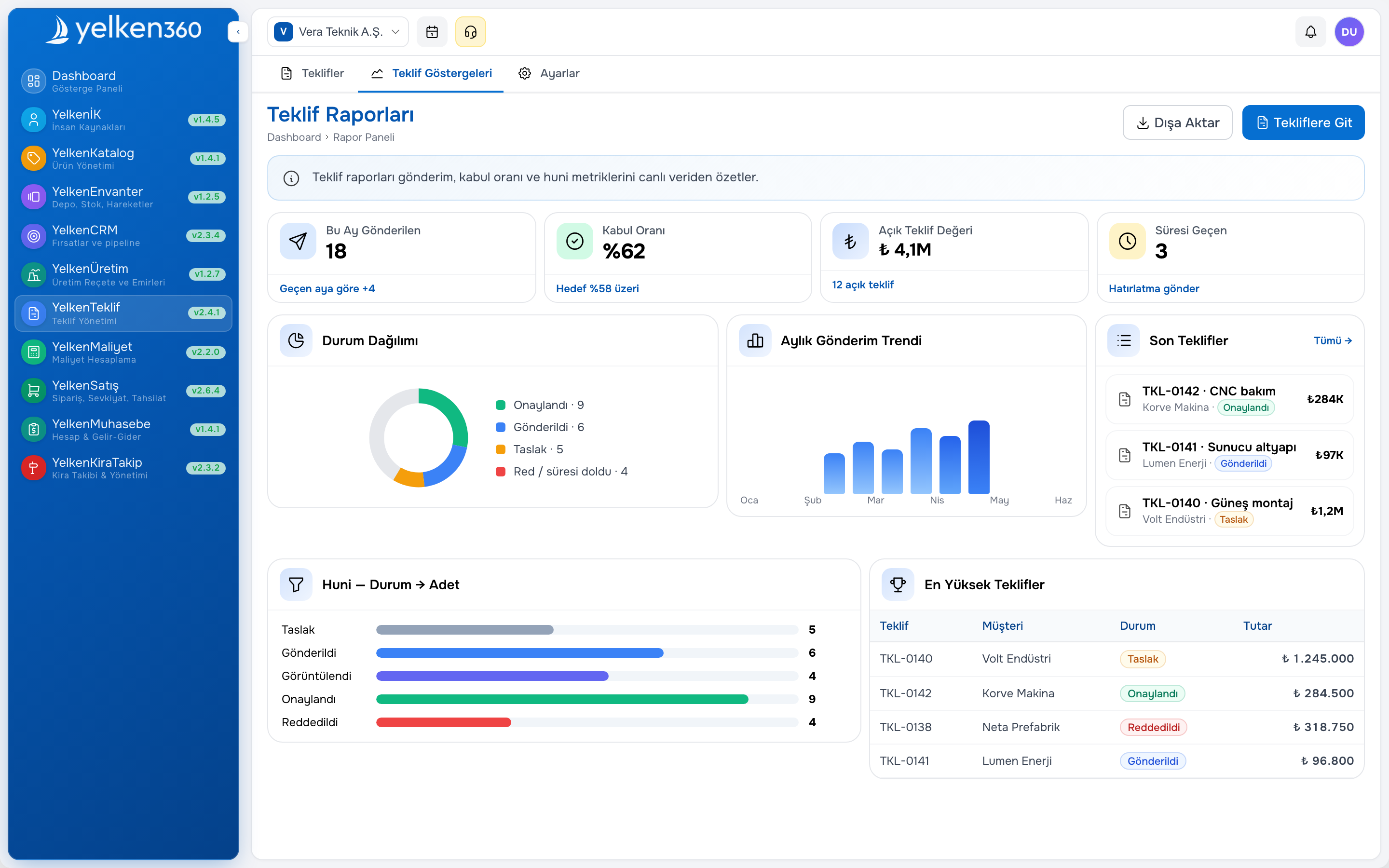
Operations needs actionable lists: below minimum, no movement ninety days, negative available, shipment backlog. Finance needs valuation consistent with accounting software exports.
Executives need one group stock screen—not seventeen emailed spreadsheets.
Implementation steps
- Clean product master: SKU, unit, barcode, default warehouse
- Load opening balances per location with signed sheets
- Train receipts and issues on live orders only
- Enable branch transfers with in-transit status
- Turn on ATP in quoting after two stable weeks
- Add production issues when production module goes live
Common mistakes
- Go-live without opening balances per warehouse
- Manual quantity edits without document type or approver
- Sales sees gross on-hand without reserved quantities
- Skipping in-transit on branch transfers
- Counting once a year only then blaming the system
Modular context
Related: B2B proposal guide, Yelken360 modular ERP, rental module guide.
Where Yelken360 fits
The Yelken Inventory package integrates with product catalog, proposal, sales, and optional production. Review modules, compare limits on pricing, and contact for rollout scoped to your warehouse count and SKU volume.
Frequently asked questions
Inventory module versus WMS?
WMS emphasizes advanced picking and automation. ERP inventory covers stock truth, documents, and quote/order integration—enough for many SMEs without separate WMS.
Barcodes on day one?
Not always. Start with disciplined documents; add scanning when pick error or SKU count justifies it.
Consignment stock?
Depends on design. Define rules before modeling locations.
Pricing model?
Often per workspace with limits on warehouses, products, or movements. Compare total cost including users and sales modules.
Expected ROI?
Fewer shipment errors, less emergency freight, faster quote ATP response, lower write-offs from count gaps. Measure same SKU set before and after go-live.
Safety stock and reorder policy
Minimum levels by SKU and warehouse trigger replenishment lists; policy owner (buyer or planner) should review weekly, not only when stockout already happened. Example scenario: SKU below minimum for three consecutive weeks; pattern indicates supplier lead time underestimated—adjust minimum, not only one emergency PO.
Returns and reverse logistics
Customer returns need quarantine location and reason code before return to pick face. RMA linked to original shipment reduces «we put it back on shelf untested» quality risk. Count return volume by reason monthly; recurring damage on one SKU may indicate packaging or product issue upstream.
Integration with rental and fixed assets
Rental businesses track fleet on rent separately from saleable stock; define which catalog items are rental-only. See rental module guide when units cycle between yard and customer site. Fixed assets with low movement may still appear on inventory reports if misclassified—clean item type in product master during implementation.
Audits and traceability
Auditors ask who changed quantity after count freeze. Movement documents with user, timestamp, and reason beat unexplained balance jumps. Grant adjustment rights narrowly; monthly review of adjustment volume by user catches process drift early. Export movement log for audit period in one action rather than rebuilding from sheets.
Seasonal and promotional inventory
Promotions spike pick volume; pre-build pick lists and temporary overflow bin locations before campaign start. After promotion, run targeted cycle count on promoted SKUs within forty-eight hours while mis-picks are fresh in memory. Document whether promotional free goods post as separate movement type for margin reporting.
Cross-dock and short-stay goods
Distributors receiving and shipping same day still need receipt and issue documents—«we never put it away» is not a system mode, it is a process shortcut that breaks ATP. Cross-dock workflow: receive to staging location, issue from staging same day; both movements visible in log.
How many warehouses before we need WMS?
SKU count, pick error rate, and order lines per day matter more than warehouse count alone. Many SMEs run two to five warehouses on ERP inventory for years before WMS pays off.
Assign one inventory health owner who receives weekly exception exports (negative available, below minimum, stale in-transit). Without a named owner, dashboards become wallpaper and Excel sneaks back for «quick checks».
First ninety days after go-live
Week one to two: receipts and issues only on documented orders. Week three to four: first cycle count on A SKUs. Week five to eight: enable ATP on quotes if error rate acceptable. Week nine to twelve: review variance trends and adjust min levels. Do not enable production consumption until basic shipment and receipt discipline holds for thirty consecutive days. Pin a one-page warehouse policy where pickers start their shift.
Summary
Inventory warehouse management software for SMEs needs multi-warehouse discipline, proposal alignment, and clear metrics. Start with Yelken Inventory and contact for a scoped rollout plan. Treat the first ninety days as proof of discipline, not proof the software failed if variance still appears while habits change.