Cloud ERP vs Excel: 2026 Decision Guide for SMEs
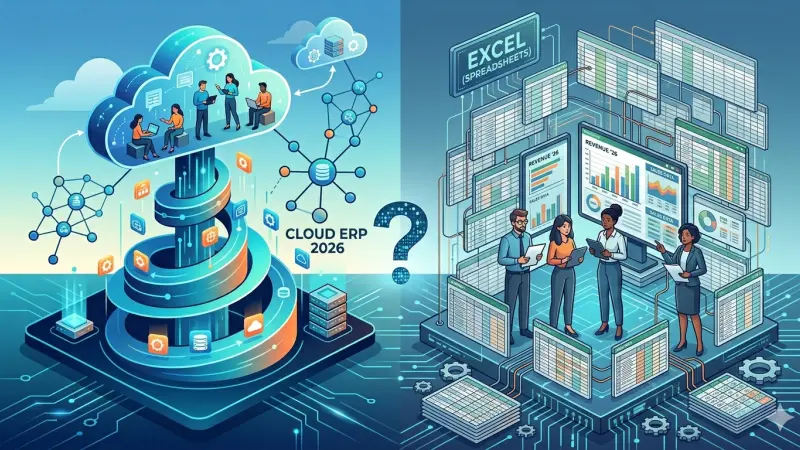
Excel is unbeatable for quick what-if analysis and ad hoc lists. The problem appears when Excel becomes the system of record for stock, quotes, and cash—version conflicts multiply, and nobody trusts the numbers in Monday’s meeting. This guide compares cloud ERP with spreadsheet-led operations for growing SMEs deciding what to keep and what to replace in 2026.
Short answer: Keep Excel for analysis; move master data, transactions, and approvals into a cloud ERP with workspace isolation, role permissions, and modules you enable as you grow—so inventory, quotes, and finance do not live in conflicting files.
Where Excel still wins
Excel shines for one-off models, scenario planning, and exports to accountants. It is portable, familiar, and requires no implementation project. Teams under five people with a single warehouse and simple cash basis can run for years on well-maintained sheets—until SKU count, users, or branches break the model.
The tipping point is operational risk: two people editing the same stock file, or a quote PDF that no longer matches the price list tab, costs more than subscription fees.
Signals you have outgrown spreadsheet ERP
- More than three people maintain parallel stock or price files
- You cannot answer “available to promise” without calling the warehouse
- Quotes, orders, and invoices are retyped between tools
- Audit or ISO customers ask for change history you cannot produce
- Opening a workbook takes minutes because of macros and linked sheets
What cloud ERP adds
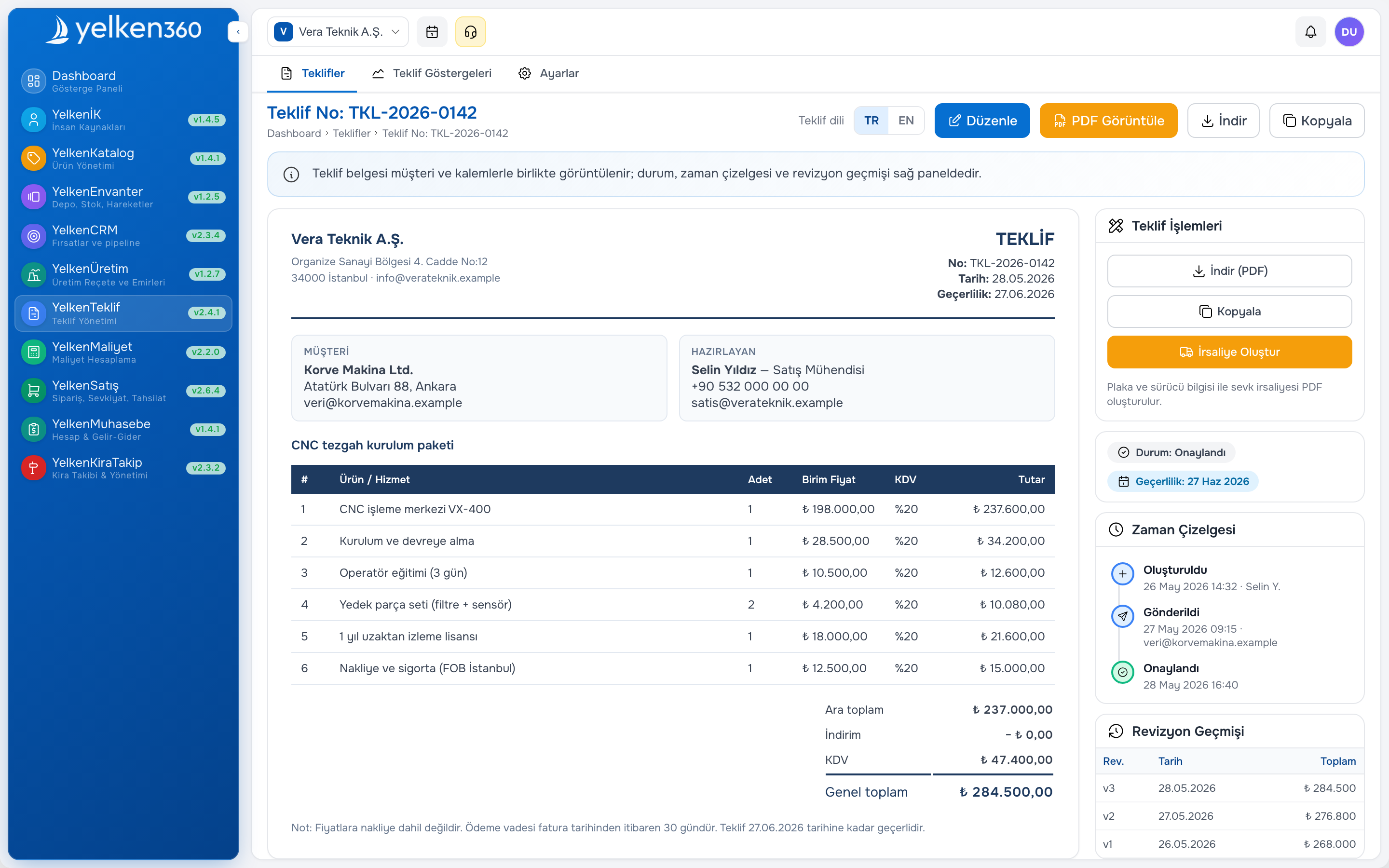
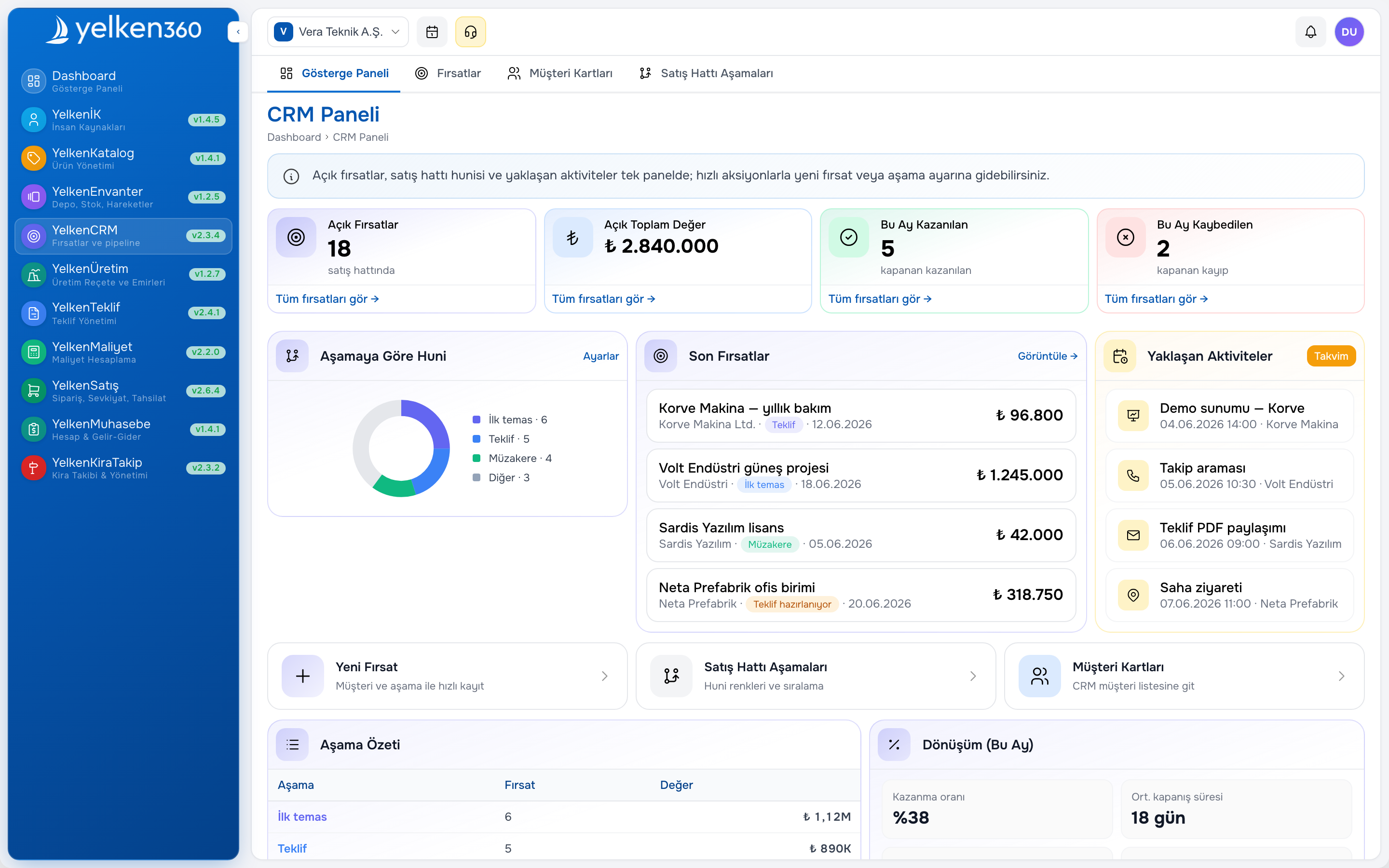
Cloud ERP centralizes products, customers, stock movements, quotes, and financial visibility in one database with access control. Updates are real time for all users; approvals can be enforced; backups and uptime are the vendor’s job. For SMEs, modular ERP means you do not buy manufacturing on day one if you only trade goods today.
Compare capability areas side by side before you budget:
Excel vs cloud ERP (practical view)
- Multi-user editing: Excel—fragile; ERP—transactional records
- Stock accuracy: Excel—manual; ERP—movements tied to documents
- Quote to order: Excel—copy paste; ERP—linked workflow
- Security: Excel—file share risk; ERP—roles and audit log
- Cost: Excel—low license; ERP—subscription, lower error cost
- Flexibility: Excel—high; ERP—structured, scalable
Migration path without big-bang risk
Successful moves are phased. Month one: product and customer master in ERP, Excel kept as read-only archive. Month two: quotes and orders in proposal software and sales modules. Month three: stock receipts and issues. Month four: cash and AR summary in accounting software.
Assign a single data owner per domain—catalog, stock, finance—and freeze legacy files after cutover. Running dual systems without rules brings back the chaos you tried to escape.
Cost and ROI framing
ERP subscription is visible; spreadsheet cost is hidden in labor, stock write-offs, and lost deals. Build a simple ROI model: hours per week rekeying orders, value of one stock-out per quarter, average discount given because price list was wrong. Most SMEs find payback inside twelve to eighteen months when quote and stock modules are live.
Review pricing on a per-workspace basis—each branch or brand can have its own plan and limits in modular SaaS ERP.
Who should own the ERP initiative
Assign an executive sponsor from operations or finance, not only IT. A project lead documents decisions: chart of accounts mapping, warehouse naming, discount rules. Weekly steering with sales and warehouse prevents “IT went live” surprises.
Keep a living decision log: why you chose moving-average inventory, how returns post, which reports are official on Mondays. Future hires onboard faster when rationale is written.
Security and compliance
Emailing Excel attachments spreads customer and price data beyond control. ERP permissions limit who sees cost versus list price. Backups, encryption in transit, and access logs matter when you pursue larger B2B contracts or work with regulated buyers.
Modular ERP as the middle path
Monolithic suites force you to pay for unused factories modules. Modular platforms like Yelken360 let you enable product, inventory, proposal, CRM, and accounting packages when ready. Explore all options on the modules page.
Need help scoping phase one? Contact the team with your current file list—they can suggest a minimal viable module set.
Frequently asked questions
Can we still export to Excel?
Yes. ERP should export lists and reports for finance and analysis. The difference is export is output, not the database of truth.
Is cloud ERP safe for Turkish SMEs serving EU buyers?
Evaluate vendor hosting, backup policy, and DPA if you process EU personal data. Technical safety is separate from choosing the right modules.
How long does migration take?
Light trading businesses often need six to ten weeks for master data and quote-to-order. Manufacturing with BOM adds months—phase it.
Do we need a full-time IT person?
Modular cloud ERP targets business admins, not coders. You need a process owner, not necessarily a developer.
What if we only want inventory first?
Start with inventory and warehouse software, keep Excel for quotes temporarily, then add proposal when stock discipline holds.
Training and adoption
Budget time for floor and sales, not only managers. Short videos on receiving and quoting beat hundred-page manuals. Super users in each department answer questions the first month. If adoption stalls, simplify required fields before blaming “resistance to change.”
Celebrate one measurable win publicly—first week without stock-out on a top SKU—so teams see ERP as help, not surveillance.
When to keep Excel alongside ERP
Retain spreadsheets for board scenarios, loan models, and one-off tenders. Export master data from ERP on schedule rather than maintaining parallel product lists. The rule is simple: if a number changes operational behavior—stock, price, credit—it lives in ERP; if it explores strategy, Excel is fine.