BOM Management Software: Guide for Manufacturing SMEs
Manufacturing SMEs lose margin when bills of material live in engineering folders while purchasing and warehouse work from outdated spreadsheets. BOM management software connects recipes, revisions, production orders, and stock consumption so each finished unit has a traceable material story—from planned issue to actual usage.
Short answer: BOM software stores parent–child product structures with quantities and units, controls revisions, explodes materials for production or purchase planning, and posts component issues to inventory when work orders run—replacing static Excel BOMs that diverge from what the floor actually built.
What a BOM is in operational terms
A bill of material (BOM), sometimes called a recipe, lists every component, subassembly, scrap factor, and unit of measure needed to make one parent SKU. Engineering may own the definition; operations own consumption; finance owns rolled cost. When those views split across files, you over-buy, under-issue, or quote delivery dates the plant cannot meet.
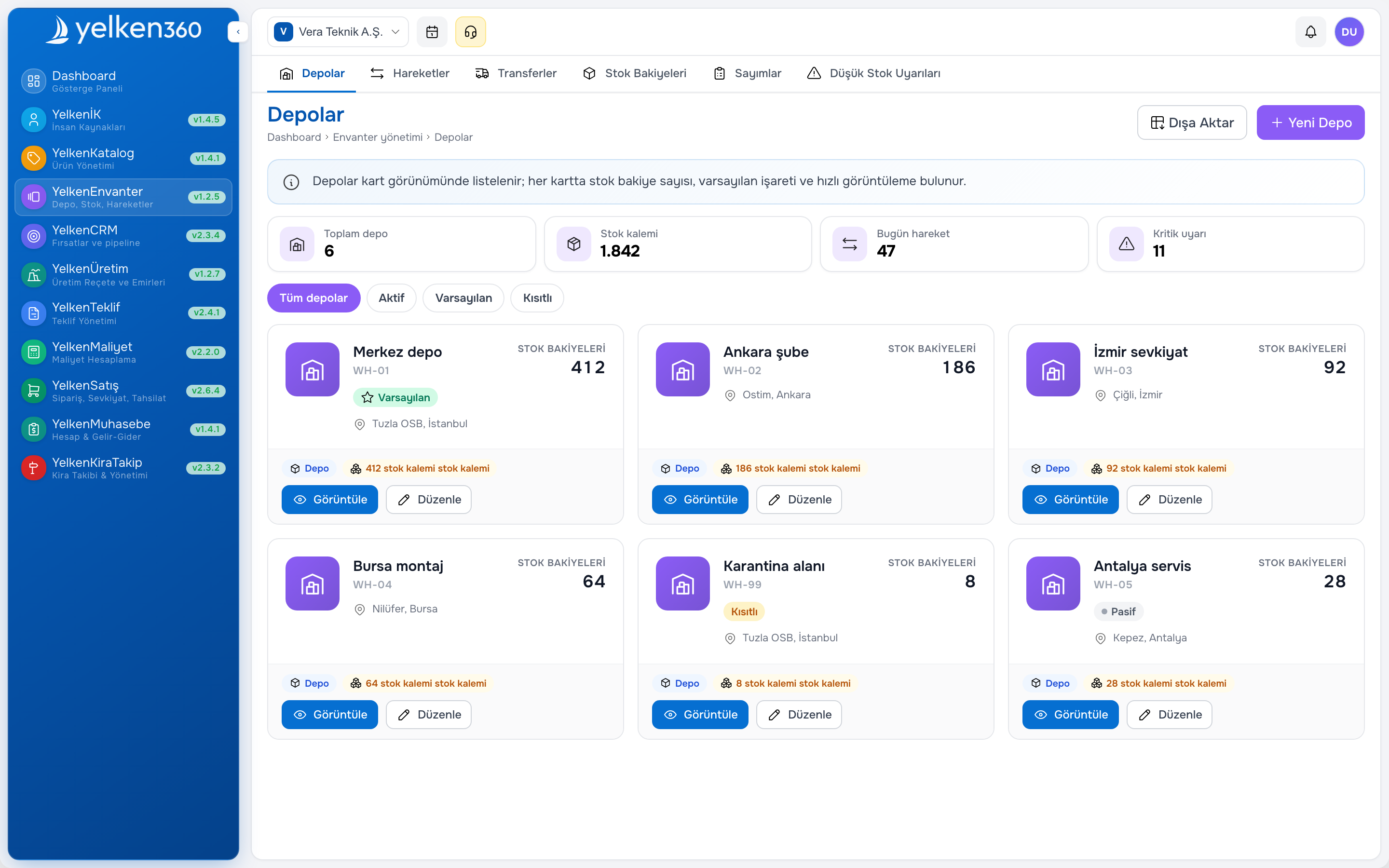
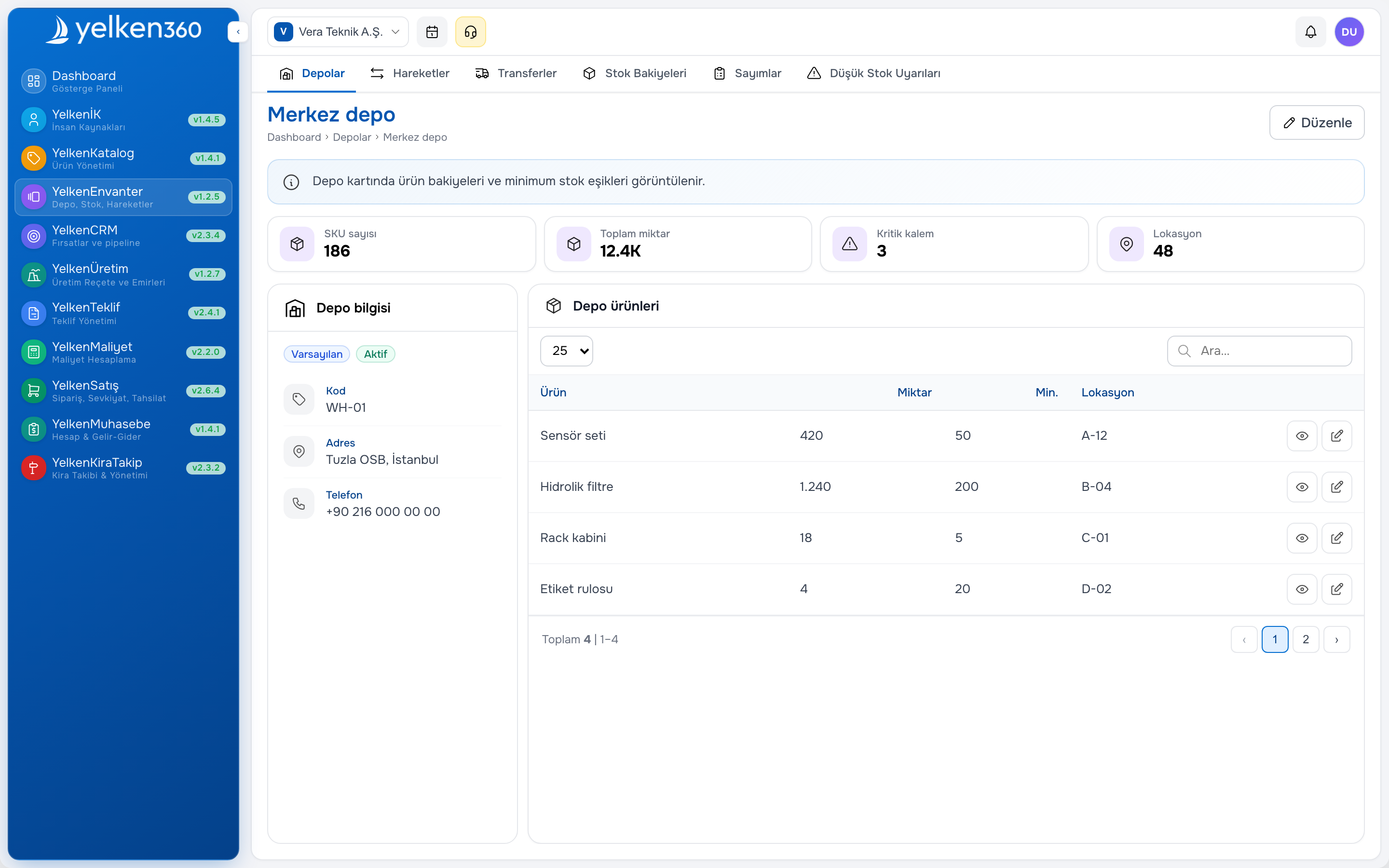
Link BOM lines to items in product catalog software and raw materials tracked in inventory and warehouse software so explosions never reference “ghost” part numbers.
Minimum BOM capabilities for SMEs
- Single-level and multi-level structures with quantity per parent
- Revision control with effective dates and change reason
- Alternate BOMs when suppliers or materials substitute
- Explosion for planned production orders and purchase suggestions
- Backflush or manual issue posting to stock movements
- Scrap or yield percentages on critical components
BOM types you should model correctly
Manufacturing BOM drives shop orders—components issued to WIP or finished goods receipt. Engineering BOM may include non-stock items (documentation, consumables grouped for planning). Sales BOM bundles sellable kits without implying you stock every child separately. Confusing these types causes CRM and warehouse to argue about what “one unit” means on an order line.
Make-to-order firms tie BOM explosions to sales orders; make-to-stock firms explode from forecast and min-max rules. Both need the same revision discipline when engineering releases a design change mid-season.
Production orders and stock consumption
A production order states what to make, how many, and when. The system should propose component picks from the active BOM revision, reserve or issue stock, and receive finished goods into a target warehouse location. Partial completions and rework orders should not break traceability.
Without document-linked issues, month-end “adjustment” spreadsheets hide waste. Supervisors need variance reports: planned quantity per BOM line versus actual issued quantity, by order and by SKU.
Shop floor habits that protect data quality
- Release orders only from approved BOM revisions
- Scan or confirm component lots when traceability matters
- Post finished quantity before closing the order
- Record scrap with reason codes—not only end-of-month inventory write-offs
- Block order close when open pick lines remain unexplained
Connecting BOM to quoting and margin
Sales should not promise lead times disconnected from component availability. When proposal software pulls standard lead times from production parameters—or flags long-lead items on configurable quotes—you reduce expedite costs and customer disputes.
Rolled BOM cost (material + known labor buckets) feeds price floors. Even rough standard costs beat guessing margin on complex assemblies. Pair BOM with product costing modules when you need scenario calculations before releasing a new catalog price.
Revision management without chaos
Engineering changes are normal; uncontrolled changes are expensive. Require revision labels, effective dates, and optional approval before shop use. Open production orders may stay on the old revision until complete; new orders pick up the latest—document that rule.
When a component is obsolete, flag it in catalog and BOM simultaneously. Purchasing should see suggested substitutes from approved alternate lines, not informal chat messages.
Choosing BOM software in 2026
Score vendors against your complexity, not against enterprise MES breadth you will not use for years.
Selection checklist
- Multi-level explosion depth matches your deepest assembly
- Units of measure convert correctly (each, kg, meter) on child lines
- Co-products or by-products if applicable to your process
- Integration with inventory ATP before promising sales dates
- Reporting: order status, material shortages, variance by period
- Modular pricing—you do not pay for full PLM on day one
Rollout path for manufacturing SMEs
Step 1: Stabilize SKU and unit master data. Step 2: Enter top twenty finished goods BOMs that cover most revenue. Step 3: Pilot three production orders with full issue and receipt posting. Step 4: Train purchasing on shortage lists from explosion. Step 5: Link quote lead times and optional standard cost review.
Do not digitize every legacy BOM on week one—prioritize runners, then long tail. Review manufacturing sector practices if you serve industrial buyers with audit expectations.
Common BOM mistakes
- Duplicating BOMs per customer instead of using variants or options
- Ignoring scrap factors until physical counts fail
- Letting sales sell configurables the BOM cannot explode
- Closing production orders without posting component usage
- Running engineering revisions without telling purchasing or sales
Where Yelken360 fits
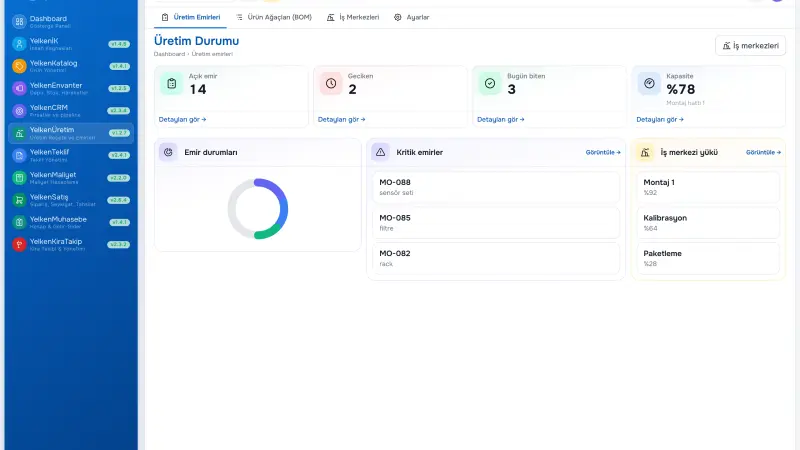
The Yelken Production package works with product and inventory modules in Yelken360. Start from manufacturing and BOM software capabilities, compare modules and pricing, and request a scoped walkthrough via contact when you are ready to pilot your top BOMs.
Frequently asked questions
Is BOM the same as recipe in process manufacturing?
Conceptually yes—inputs, quantities, and a parent output. Process industries may track tanks and yields; discrete manufacturers track assemblies. Software should support your unit and scrap model.
Do we need BOM before inventory ERP?
Usually inventory and catalog come first so components exist to reference. You can run distribution without BOM; add manufacturing when make items represent meaningful revenue or risk.
How detailed should BOMs be?
Detailed enough for planning and costing, not so granular that shop spends more time scanning than building. Start at purchasing/issue level; add operation routing later if needed.
Can one component appear in many BOMs?
Yes—that is why central catalog and revision control matter. A single component price or lead time change ripples to all parents unless alternates are defined.
What ROI should we track?
Material variance, expedited purchase frequency, on-time production completion, and quote-to-delivery accuracy for make items. Tie improvements to margin protected, not only BOM record count.