Inventory Management Module: Stock Tracking Guide
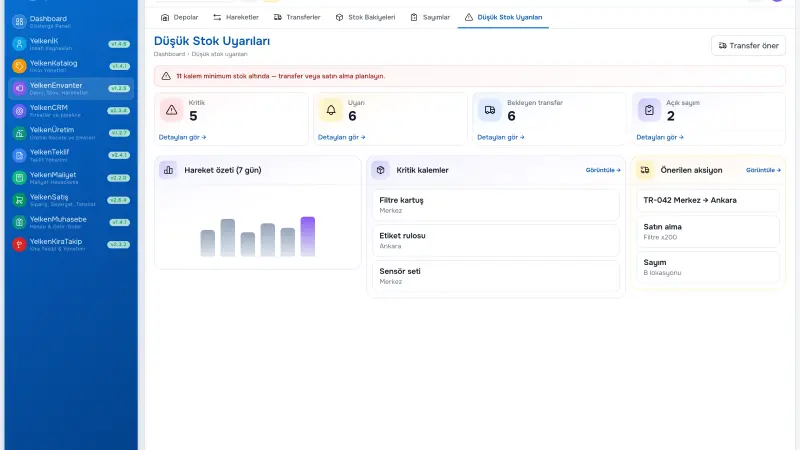
An inventory management module inside ERP is more than a stock counter—it is the contract between sales promises and warehouse reality. When receipts, transfers, issues, and counts post as documents tied to SKUs and locations, leadership trusts available-to-promise numbers and auditors see who changed what.
Short answer: An inventory module tracks on-hand, reserved, and available quantities per warehouse and location, records every movement with a document type (receipt, transfer, issue, adjustment), supports cycle counts, and feeds sales and production modules so quotes and orders do not rely on offline spreadsheet tabs.
Inventory module versus standalone stock tools
Standalone apps solve local warehouse scanning but often disconnect from quotes, orders, and costing. An ERP inventory module shares the same product master, units, and customer context as proposal and sales packages—so a picked line on an order reduces the same balance sales saw when quoting.
If you already use inventory and warehouse software as a category, evaluate whether the module supports your branch count, transfer rules, and manufacturing issues—not only simple in/out.
Core functions manufacturing and trade SMEs need
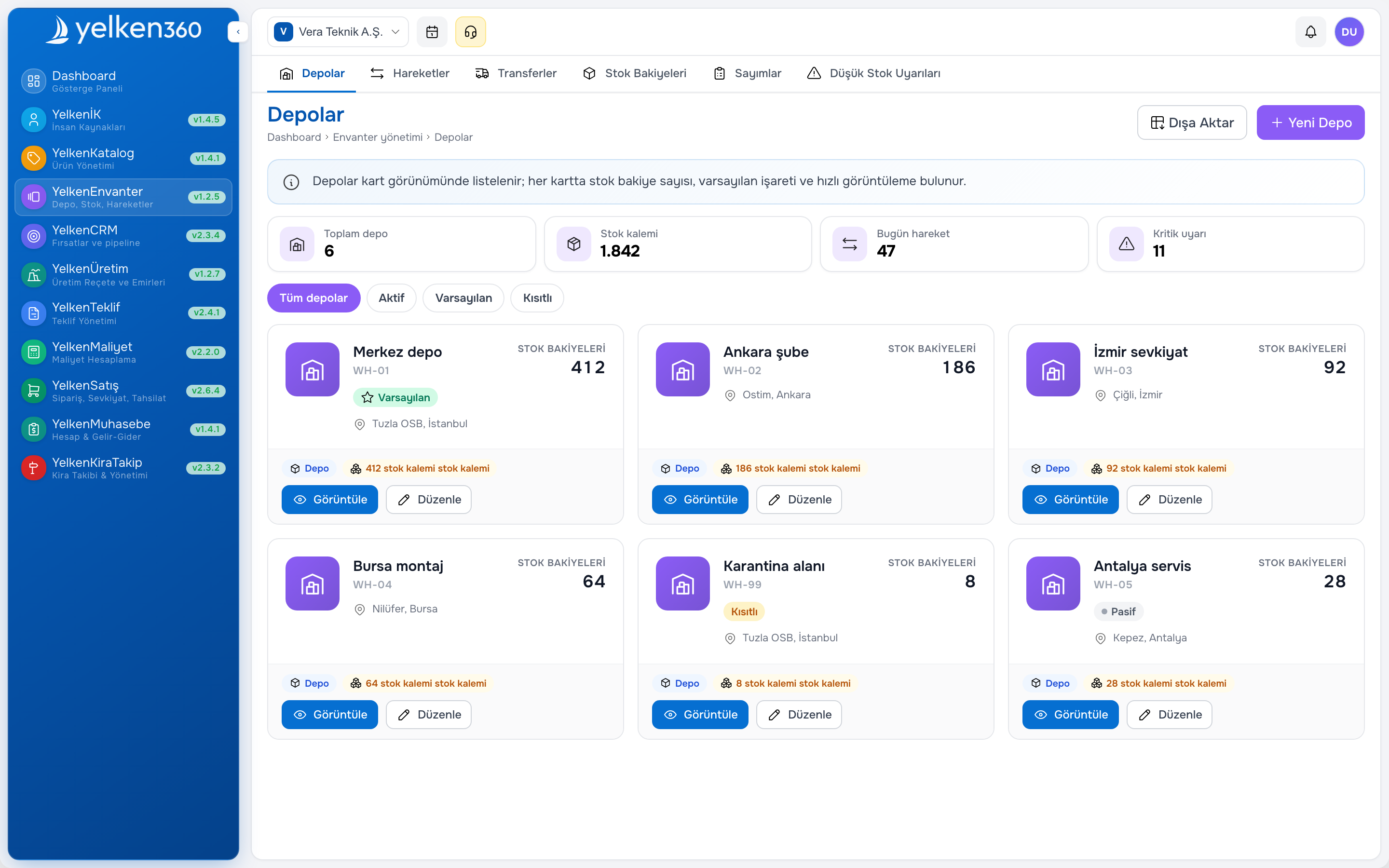
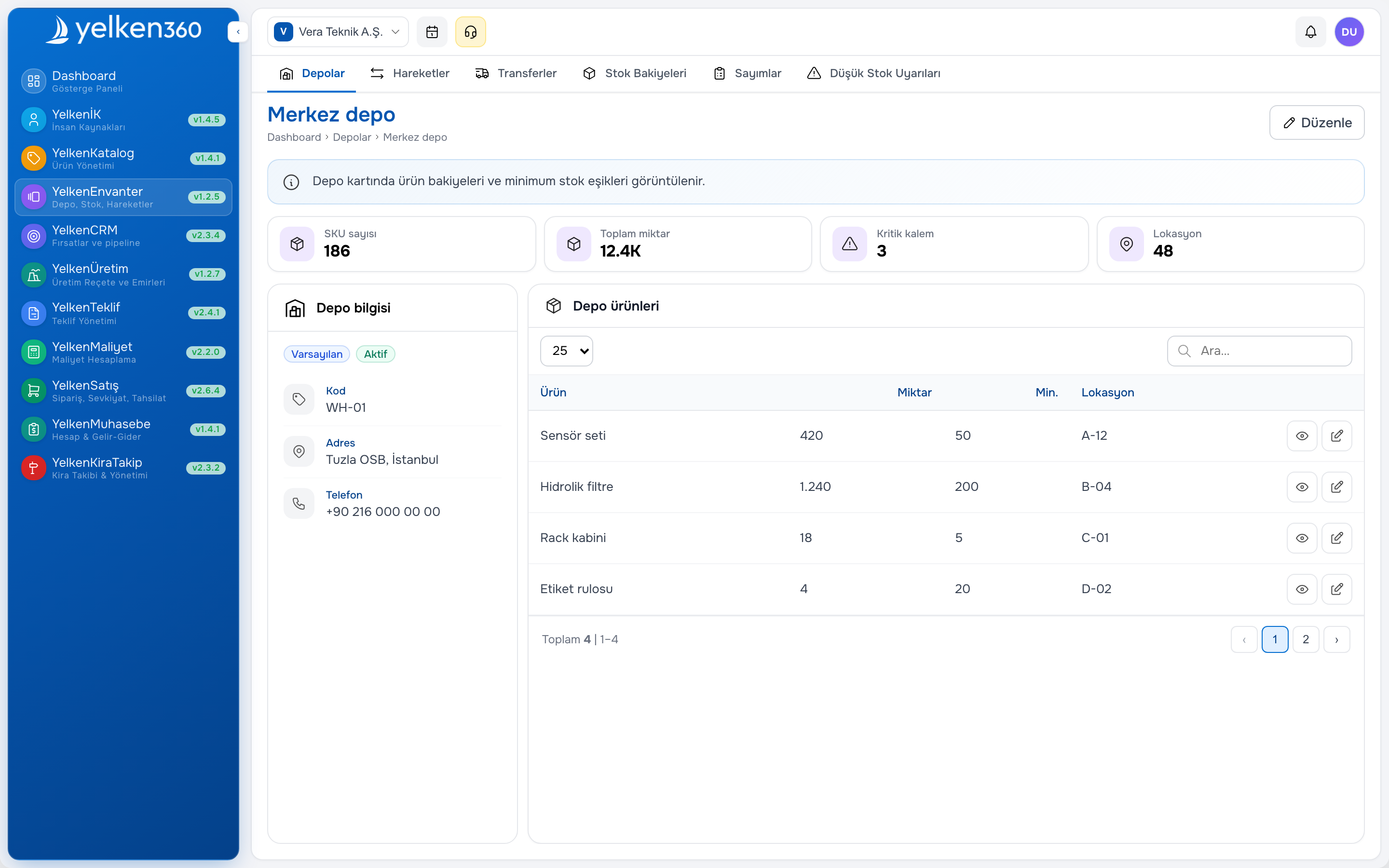
- Multi-warehouse and optional bin or location hierarchy
- Goods receipt against purchase or ad hoc with reason codes
- Sales shipment issues linked to order lines
- Inter-warehouse transfers with in-transit visibility
- Cycle and full count sessions with variance posting
- Minimum stock alerts by SKU, category, or warehouse
- Reservation rules aligned to quote or order policy
Designing warehouses for clarity
Even one physical site benefits from logical zones: receiving, bulk storage, pick face, quarantine, returns. Multi-branch businesses assign a warehouse per branch plus optional central hub. Decide whether sales sees group available stock or only local stock—policy matters as much as software configuration.
Align SKU, barcode, and unit of measure in product catalog software before you scan goods. Mixed units (each vs box) cause silent quantity errors that no report fixes later.
Stock tracking rhythms that stick
Software enables discipline; rituals sustain accuracy. Daily: post receipts and shipments same day. Weekly: review negative balances and open transfers. Monthly: cycle-count fast movers; quarterly for slow SKUs. After promotions: reconcile high-volume picks.
Warehouse should not accept verbal pick requests without order documents. Sales should not promise dates without ATP—or with explicit backorder flags visible to the customer.
Metrics for inventory health
- Count variance as percent of counted value
- Orders shipped complete on first pick attempt
- Days of cover for top twenty SKUs
- Transfer in transit older than agreed SLA
- Quotes lost or delayed citing stock unavailability
Connecting inventory to sales and production
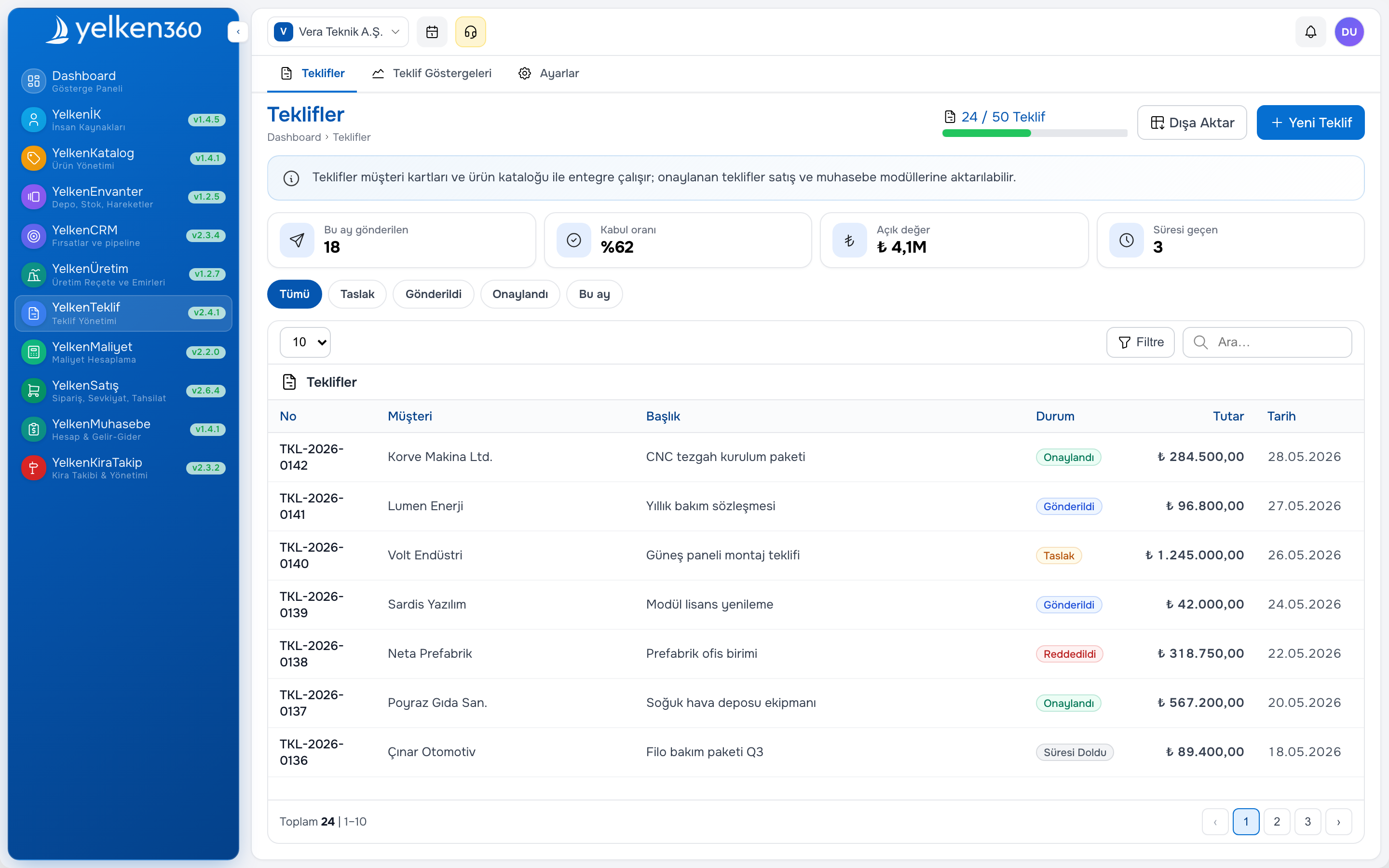
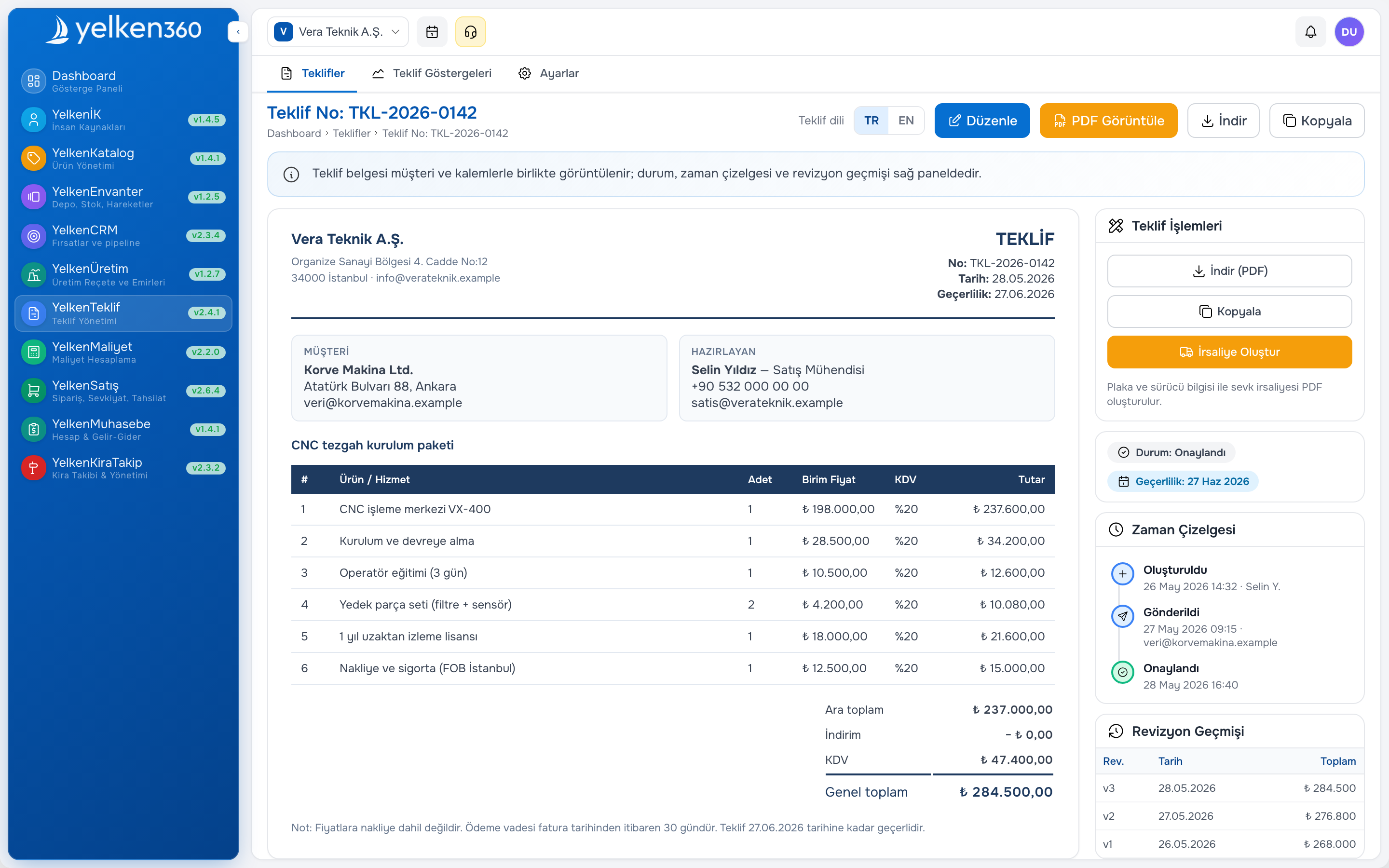
Integrate with sales order management software so pick lists originate from confirmed orders. When proposal software shows pipeline for an SKU, define whether open quotes reserve stock or only orders do—document the rule and enforce it in the module.
Manufacturers issuing components to production need issues tied to production orders, not manual adjustments. See manufacturing and BOM software when finished goods come from the plant, not only from purchase receipts.
Multi-warehouse and branch scenarios
Retail-wholesale groups run store stock plus central depot. Distributors promise from nearest branch. Each pattern needs transfer documents—not “truck inventory” tracked in chat. Leadership views group ATP; branch managers see local balances and transfer requests.
Workspace-scoped ERP keeps branch data isolated while one company account governs subscriptions and limits—useful when brands or franchises share processes but not balances.
Cycle counts without shutting down operations
Full-wall counts once a year plus rolling cycle counts reduce shock adjustments. Freeze movement on counted locations during the session, post variances with approver, and investigate recurring SKU errors (unit mismatch, unposted shipments, duplicate receipts).
High-variance items should trigger catalog or process review—not only a one-time adjustment. Pair count discipline with returns and quarantine locations so damaged goods do not sit in pickable bins.
Reporting and exception management
Operations needs actionable lists: below minimum, no movement in ninety days, negative available, shipment-ready backlog. Finance needs valuation tied to movement method (moving average or chosen policy) consistent with accounting software exports.
Executives need one screen for group stock by category—not seventeen emailed spreadsheets. Define who receives alerts and escalation when critical SKUs breach buffer before a major promotion.
Implementation steps for the inventory module
- Clean product master: SKU, unit, barcode, default warehouse
- Load opening balances per location with signed count sheets
- Train receipts and issues on live orders only—no shadow ledger
- Enable transfers between branches with in-transit status
- Turn on ATP in quoting after two weeks of stable movements
- Add manufacturing issues when production module goes live
Common inventory module mistakes
- Going live without opening balances per warehouse
- Allowing manual quantity edits without document type or approver
- Letting sales see gross on-hand without reserved quantities
- Skipping in-transit on branch transfers
- Counting once a year only, then blaming “the system” for drift
Where Yelken360 fits
The Yelken Inventory package integrates with product catalog, proposal, sales, and optional production in Yelken360. Review modules, compare limits on pricing, and contact for a rollout scoped to your warehouse count and SKU volume.
Frequently asked questions
How is an inventory module different from WMS?
WMS emphasizes advanced picking strategies, wave planning, and automation. ERP inventory modules cover stock truth, documents, and integration to quotes and orders—enough for many SMEs without a separate WMS.
Do we need barcodes on day one?
Not always. Start with disciplined documents; add scanning when pick error rate or SKU count justifies hardware and label investment.
Can we run consignment stock?
Depends on vendor design. You may need logical warehouses or ownership flags. Define consignment rules before modeling locations.
How does inventory module pricing usually work?
Often per workspace with limits on warehouses, products, or movements. Compare total cost including users and related sales modules.
What ROI should we expect?
Fewer shipment errors, less emergency freight, faster quote response on ATP, and lower write-offs from surprise count gaps. Measure before and after go-live on the same SKU set.