ERP Rollout in Multi-Branch Businesses: 8 Practical Steps
Opening a second branch feels like success until stock, prices, and customer data diverge between locations. Multi-branch ERP rollout is less about software install and more about data model, roles, and module sequence—so each site operates clearly while leadership sees the group picture.
Short answer: Implement multi-branch ERP by defining workspaces or branches, standardizing SKU and customer master, rolling out modules in order (catalog, inventory, sales, finance), training per site with shared rules, and syncing transfers—not by copying spreadsheets per shop.
Why branch count breaks informal systems
Each branch manager optimizes locally: own price list tab, own stock file, own WhatsApp group with suppliers. Headquarters discovers margin differences months later. Customers with accounts at two branches see inconsistent credit terms.
ERP introduces shared master data with scoped operations—everyone sells the same SKU definition; each warehouse posts movements locally.
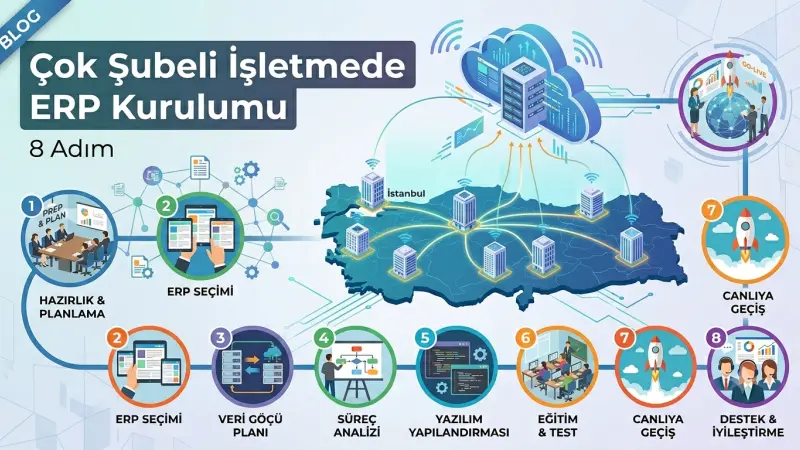
Eight practical rollout steps
- Executive sponsor and steering group with branch representation
- Workspace model: one workspace per branch or brand; clarify consolidation rules
- Master data council for products, customers, and units—no local SKU creation without approval
- Phase modules: catalog and customers first, then inventory, then quotes and orders
- Transfer policy between hubs and branches with in-transit status
- Role matrix: who sees cost, who approves discounts, who counts stock
- Training in local language with identical process slides
- Hypercare four weeks after each go-live wave
Workspace isolation versus group reporting
Modular cloud ERP like Yelken360 scopes subscriptions, limits, and data per workspace. A holding user may switch contexts; branch users stay local. Leadership dashboards aggregate when permissions allow—without blending stock that belongs to different legal entities incorrectly.
Align this with your legal structure: sometimes one workspace per company, sometimes per branch within one tax ID—consult finance before configuring.
Stock sync across branches
Enable inventory and warehouse software with a warehouse per branch plus optional central depot. Sales must see whether to promise from local stock or group ATP. Transfers should not disappear in “someone’s truck” status—use in-transit documents.
Retail-heavy groups review retail and wholesale sector practices; manufacturers link production at the hub only.
Pricing and discount governance
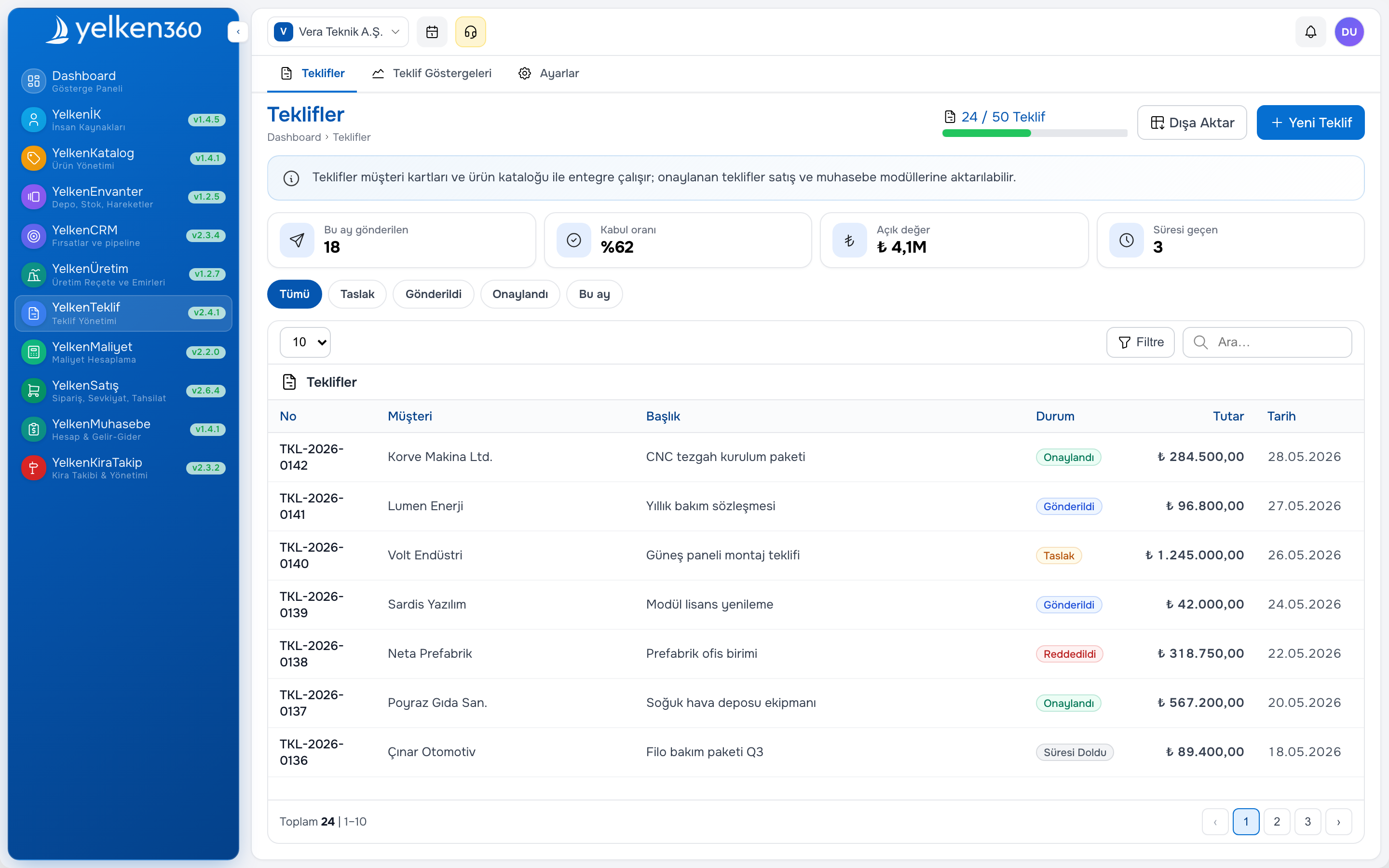
Central list price with branch-specific exceptions is safer than fully local lists. Proposal and order modules should enforce floor margin before send. Proposal software with approval paths reduces branch price wars that erode brand value.
Inter-branch pricing and transfer pricing policy
When branches transfer at cost plus markup, document the rule for tax and management reporting. ERP transfer documents should use consistent valuation so branch P&L reflects real contribution, not arbitrary transfer prices invented at month end.
Customer accounts shared across branches need a single credit policy owner—usually finance at HQ—to avoid one branch extending terms another branch would have blocked.
People and change management
Branch teams fear headquarters visibility—communicate goals: fewer stock-outs, fair commission, faster quotes. Celebrate early wins: first cross-branch transfer without phone calls, first group pipeline review in CRM.
Assign super users per branch who answer daily questions before HQ IT tickets pile up.
Metrics per branch after go-live
- Stock accuracy from cycle counts
- Quote turnaround time
- Transfer completion time hub to branch
- AR days outstanding by workspace
- User login and activity adoption
Commission and branch incentives
If branches compete for the same customer, define account ownership rules in CRM before go-live. Commission on transfer sales should be transparent—ERP reports by fulfilling branch versus selling branch reduce internal conflict.
Monthly branch scorecards: revenue, gross margin, stock turns, and quote win rate—shared in steering meetings so competition stays healthy.
Technology choices
Prefer cloud ERP with per-workspace billing on pricing so you scale branches without perpetual license audits. Review needed packages on modules—do not enable production at retail branches by mistake.
CRM helps group sales pipeline reviews when each branch owns local opportunities but leadership needs forecast rollups.
Disaster and continuity basics
Cloud ERP reduces single-server risk at one branch, but local internet outages still happen. Document offline procedures for shipping critical orders—paper pick lists with post-facto entry if needed. Test restoring a sandbox workspace annually so you know export and support response times.
Yelken360 multi-branch fit
Yelken360 supports multiple workspaces per company user within configured limits, module gating per subscription, and shared customer concepts where your process allows. Plan rollout with contact for branch sequencing workshops.
Frequently asked questions
One ERP tenant or separate databases per branch?
Modern SaaS favors logical isolation in one platform with workspace boundaries—lower ops cost than separate installs.
Can branches have different modules?
Yes per workspace subscription—useful when a new shop needs only POS-level stock while HQ runs manufacturing.
How long between branch waves?
Four to eight weeks hypercare before starting the next wave; rushing parallel go-lives multiplies support load.
What about franchise partners?
Define data ownership contractually; technical workspace boundaries should mirror legal reporting obligations.
Do we need HQ master data team?
Even two branches benefit from a part-time data steward approving new SKUs and customer merges.
Multi-branch ERP success is measured in fewer surprise stock-outs and consistent customer experience—not in how fast software installed. Patience between waves beats parallel go-lives that overwhelm support.
How do we handle local promotions?
Define whether branch managers may run local discounts or only HQ campaigns. ERP approval rules enforce the policy; marketing announces dates so inventory mins adjust before flyers go out.
Document a branch playbook—opening hours, transfer cutoffs, who approves credit—so new managers onboard without reinventing process. Review the playbook each quarter when leadership or assortment strategy shifts. Consistency across branches protects brand promise more than lowest local price alone.