What Is Modular ERP? How It Scales with Your Business
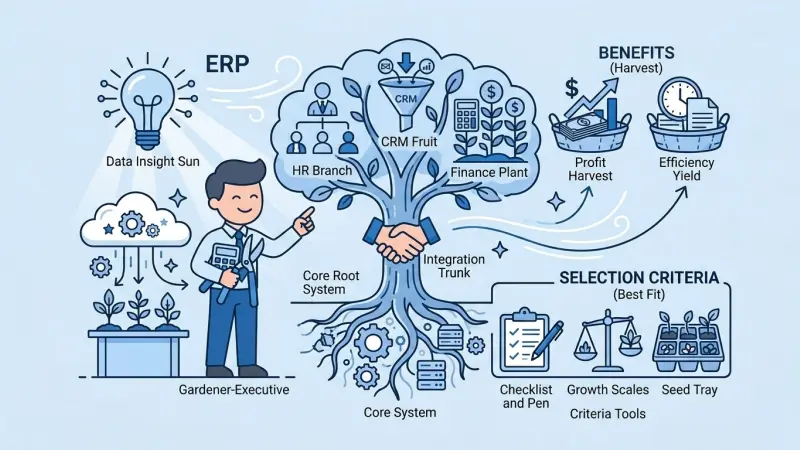
Traditional ERP suites sold factories a single giant license—paying for modules you would not use for years. Modular ERP flips that: enable product, inventory, proposal, CRM, accounting, and manufacturing packages as the business earns the complexity. For SMEs, that alignment of cost and capability is the main reason modular cloud platforms win in 2026.
Short answer: Modular ERP is a cloud platform with a shared customer and product core where you activate functional packages (modules) per workspace subscription—scaling features and limits as branches, SKUs, and processes grow without replacing the whole system.
Modular versus monolithic ERP
Monolithic suites assume you go live with finance, HR, manufacturing, and CRM together. Modular ERP assumes phased value: fix quoting first, add stock when errors hurt, add production when BOM discipline matters. Both need data governance; modular reduces day-one risk and change fatigue.
When modular fits best
- Growing B2B trader or distributor with rising SKU count
- Multi-branch rollout needing per-site subscriptions
- Leadership wants measurable ROI per phase
- Team lacks bandwidth for eighteen-month big-bang projects
- You may add manufacturing later, not today
Core building blocks
Almost every path starts with accurate product catalog and customer records. Next common layers:
- Proposal software for quote discipline
- CRM software for pipeline
- Inventory and warehouse for stock truth
- Sales order management for fulfillment
- Accounting for cash visibility
- Manufacturing and BOM when you make goods
Each maps to Yelken360 packages listed on modules—for example Yelken Proposal, Yelken CRM, Yelken Inventory.
Plans, subscriptions, and workspaces
SaaS modular ERP ties features to workspace subscriptions: which modules are on, usage limits per entity (products, proposals, users), and core limits like storage. Plans are templates; after subscription starts, subscription data is authoritative—important when HQ negotiates different packages per branch.
Compare entry and growth tiers on pricing; avoid paying for unused packages at branches that only need stock and sales.
Scaling roadmap example
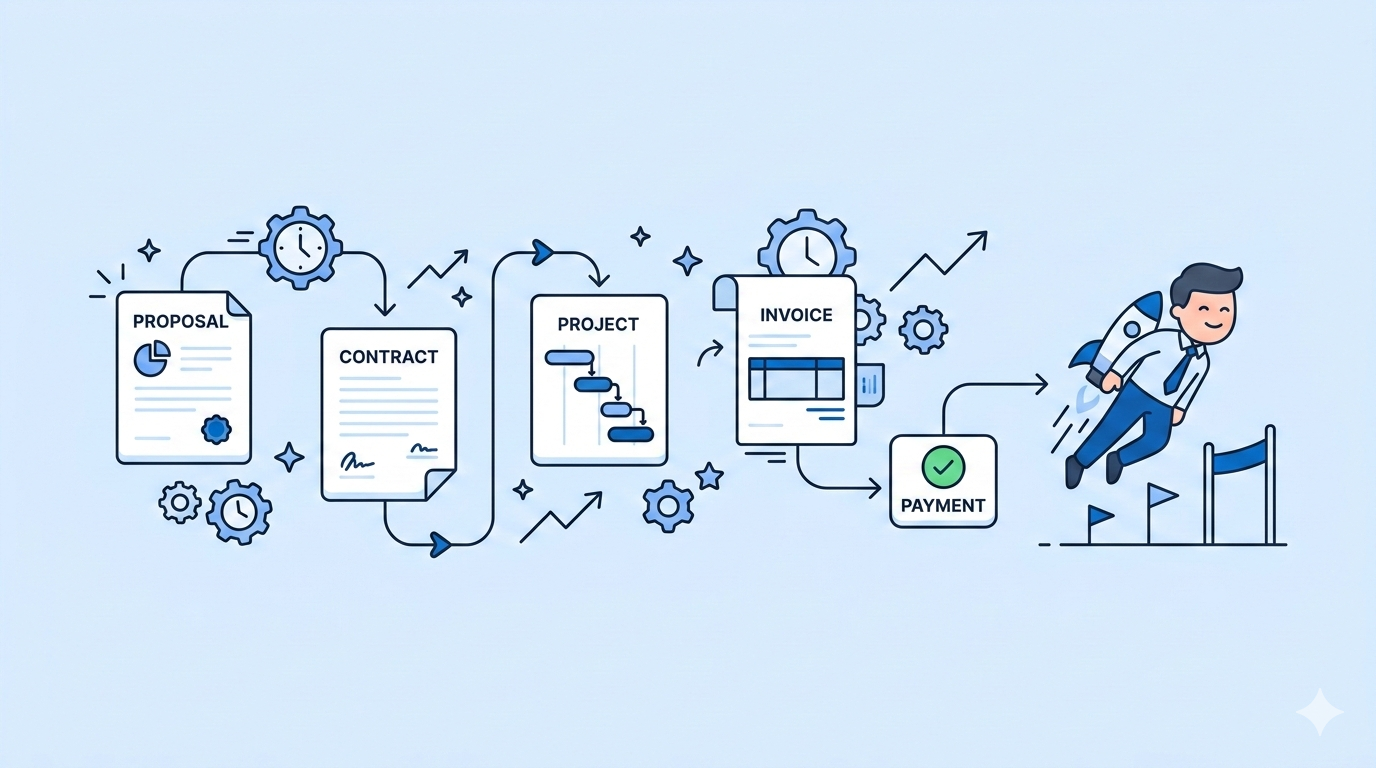
Year one trader: catalog, CRM, proposal, light accounting. Year two: inventory multi-warehouse, sales orders, online quote approval. Year three: second branch workspace, transfer rules, group reporting. Year four manufacturer: BOM, production orders, costing review.
Roadmaps differ—service firms may skip inventory entirely; rental businesses add niche packages when offered.
Data governance as you add modules
Each new module increases fields on the customer and product record. Define required fields per module activation: proposal needs payment terms; inventory needs weight and units; production needs BOM revision. A lightweight governance meeting monthly prevents duplicate SKUs and typo customers.
Deletion policy matters—archive inactive products instead of hard deletes that break historical quotes. Merge duplicate customers with audit log so collections history stays intact.
Integration without spaghetti
Modular inside one platform beats ten best-of-breed tools with nightly CSV sync. Shared customer ID, consistent SKU, and permission model reduce integration tax. Export APIs still matter for payroll and statutory tax—but operational core stays unified.
Security and continuity in cloud modular ERP
Ask vendors about backup frequency, restore testing, and uptime history. Workspace isolation should prevent cross-tenant data leaks. Role-based access limits who exports customer lists—important when reps leave.
Exit strategy is pragmatic: ensure you can export products, customers, and open transactions if you ever migrate—modular should not mean lock-in without data portability.
Choosing a modular vendor
- Transparent module list and limits per workspace
- Workspace isolation for multi-branch
- Upgrade path without data migration projects
- Sensible defaults for SME roles and permissions
- Regional language and support for your team
Yelken360 as modular cloud ERP
Yelken360 targets SMEs with workspace-based multi-tenancy, RBAC, hot-swappable modules, and public solution pages per capability. Explore features, read solution guides, and start a conversation via contact if you want a phased adoption plan matched to your current Excel and legacy tools.
Frequently asked questions
Is modular ERP cheaper?
Usually lower initial spend; total cost grows as you enable modules—still often below unused monolithic capacity.
Can we disable a module later?
Policy varies; typically you stop new use but retain historical documents—confirm with vendor before contracting.
Does modular mean weaker reporting?
Good platforms share one database—group reports should work when modules share master data.
How does modular compare to best-of-breed CRM plus ERP?
Best-of-breed wins on depth in one silo; modular wins on quote-to-cash continuity and fewer sync errors.
Where to start tomorrow?
Document top three pain points—usually quotes, stock, or cash—and enable the matching module first; measure for ninety days before expanding.
Partner ecosystem and extensions
Modular ERP core should cover quote-to-cash; connect payroll, e-invoice, and BI when needed via exports or APIs. Avoid rebuilding core inventory in a spreadsheet because a peripheral tool is fashionable—extend the platform that holds your SKU truth.
Yelken360 grows with optional packages per workspace; revisit pricing yearly as headcount and branch count change so limits stay appropriate.
Modular ERP is a business strategy, not a shopping cart of features. Each module should answer a documented pain with an owner and a ninety-day metric—otherwise you risk paying for shelfware while Excel survives in the shadows.
Is modular ERP only cloud?
Most modern modular offerings are cloud-first for SME total cost of ownership. Evaluate offline needs and data residency; branch retail with weak internet may need contingency processes regardless of vendor.
Yelken360 combines workspace isolation, plan-based module activation, and B2B workflows from catalog to cash—explore contact when you are ready to map phase one. Bring your current tool list to the call; phased adoption works best with honest scope. Every module you enable next quarter should have one named owner on your org chart.